Move to directory
This feature allows users to move a test JDBC from one library/directory to another.
Step 1: Click the button  corresponding to the test scenario you want to move, and select “Move to directory”
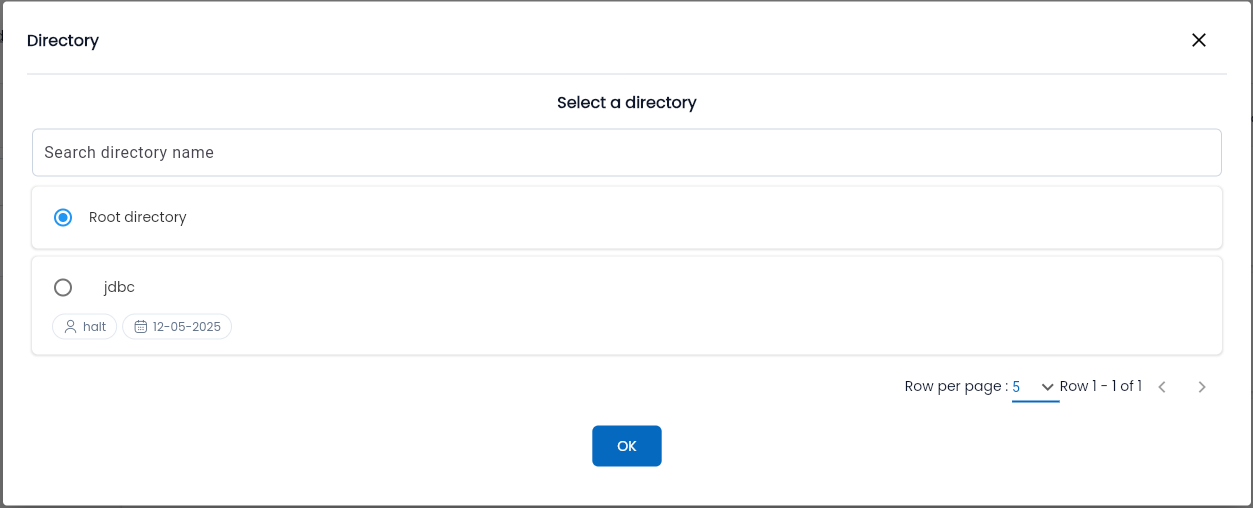
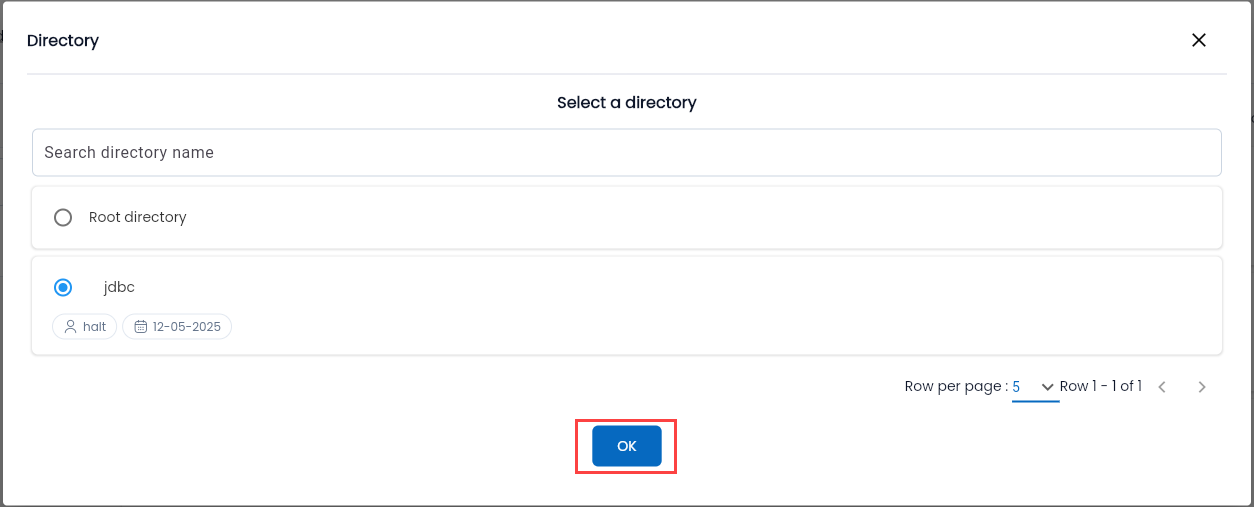
After selecting “Move to directory” the system will display a message “Copy ... successful, choose a directory to move”.
Step 2: On the “JDBC” tab screen, click the button “ ” on the target directory where you want to move the test JDBC, then select “Paste to directory”.
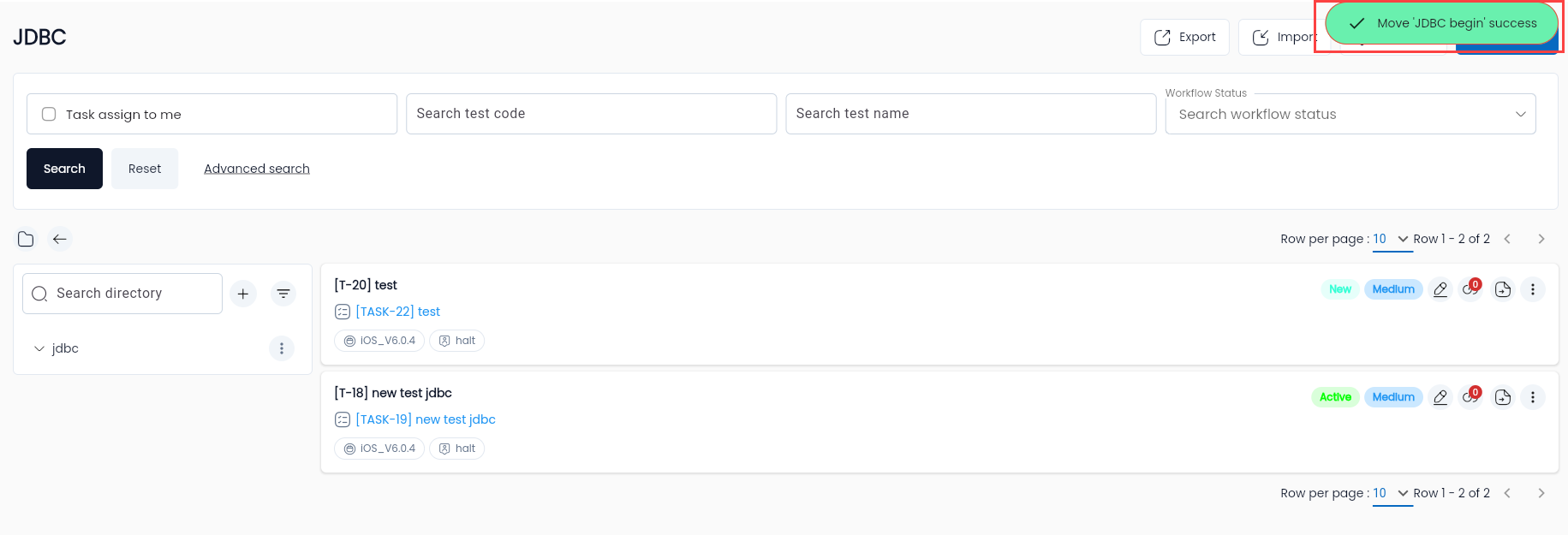
The system will display a message on the screen: “Move “...” success”.