Delete Test JDBC
Step 1: On the Test JDBC Library screen, click the button  of the Test JDBC you want to delete.
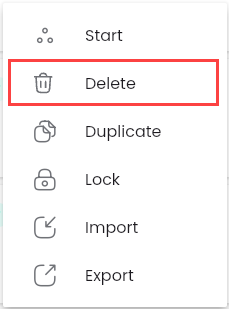
Step 2: Click the “Delete” button
A confirmation popup will appear.
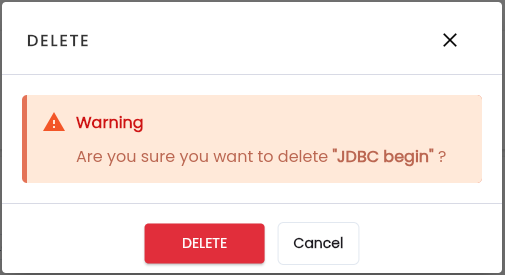
Step 3: Click “Delete”, the selected Test JDBC will be removed from the system.