Import Json file
JSON is a data format that follows a specific rule and is readable by most modern programming languages, commonly used for data transmission.
To edit or copy the configuration of a test JDBC, apart from duplicating, users can import a JSON file into a test JDBC that has been previously created.
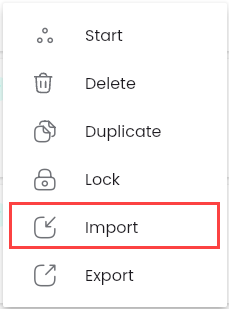
Step 1: Click the “⋮” button corresponding to the test JDBC you want to upload, and select “Import”
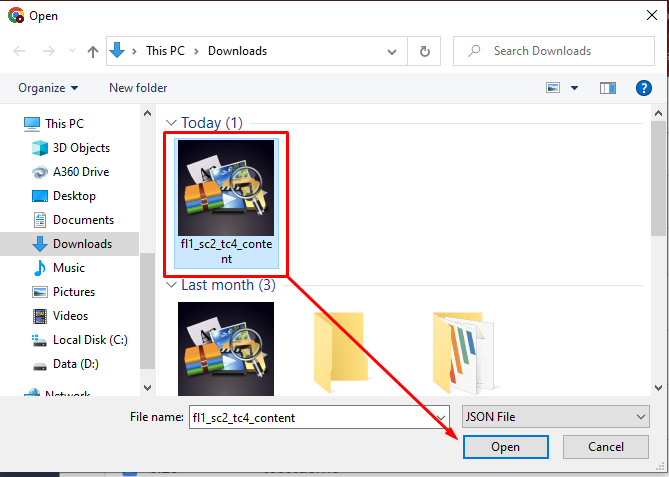
Step 2: Choose the .json file you want to upload and click “Open”. The system will display a message "Create successful".
Click on the test JDBC to which the .json, file was imported, and the screen will display the test JDBC configuration updated according to the uploaded file, with the configuration information automatically updated.