Import Json file
JSON (JavaScript Object Notation) is a data format that follows a specific set of rules, and most programming languages today can read it. It is used for transmitting data.
To edit or duplicate an API configuration, in addition to using the duplicate function, users can also import a JSON file into an already created API.
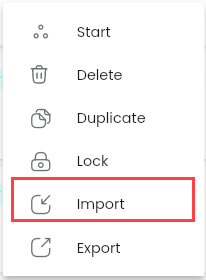
Step 1: Click button  corresponding to the API you want to upload, select “Import”.
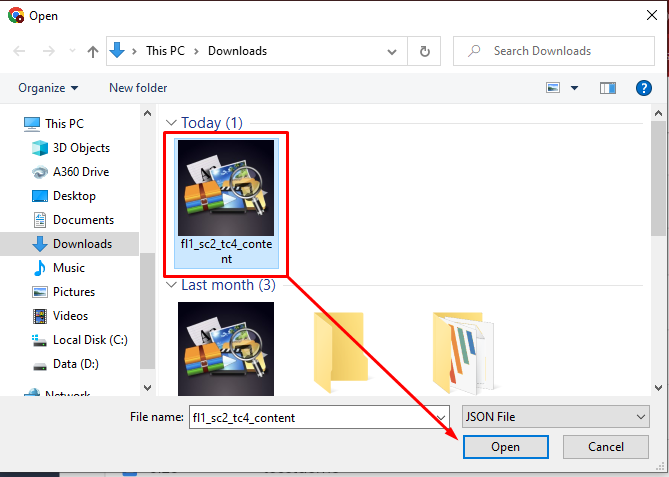
Step 2: Select the Json.file you want to download, click Open, the system will notify “Upload Successful” message.
Click on the API to import json.file, the screen displays the API configuration updated according to the uploaded file, the configuration automatically updates.