Edit Test API
Step 1: At the Api Explorer screen. Click button  of the api you want to edit information.
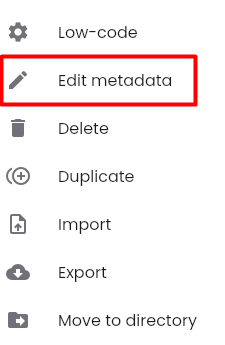
Step 2: Click button “Edit metadata”
The system navigates to the API editing screen. The fields are the same as in the "Create New API" screen, with the exception that the "Code" field cannot be edited.
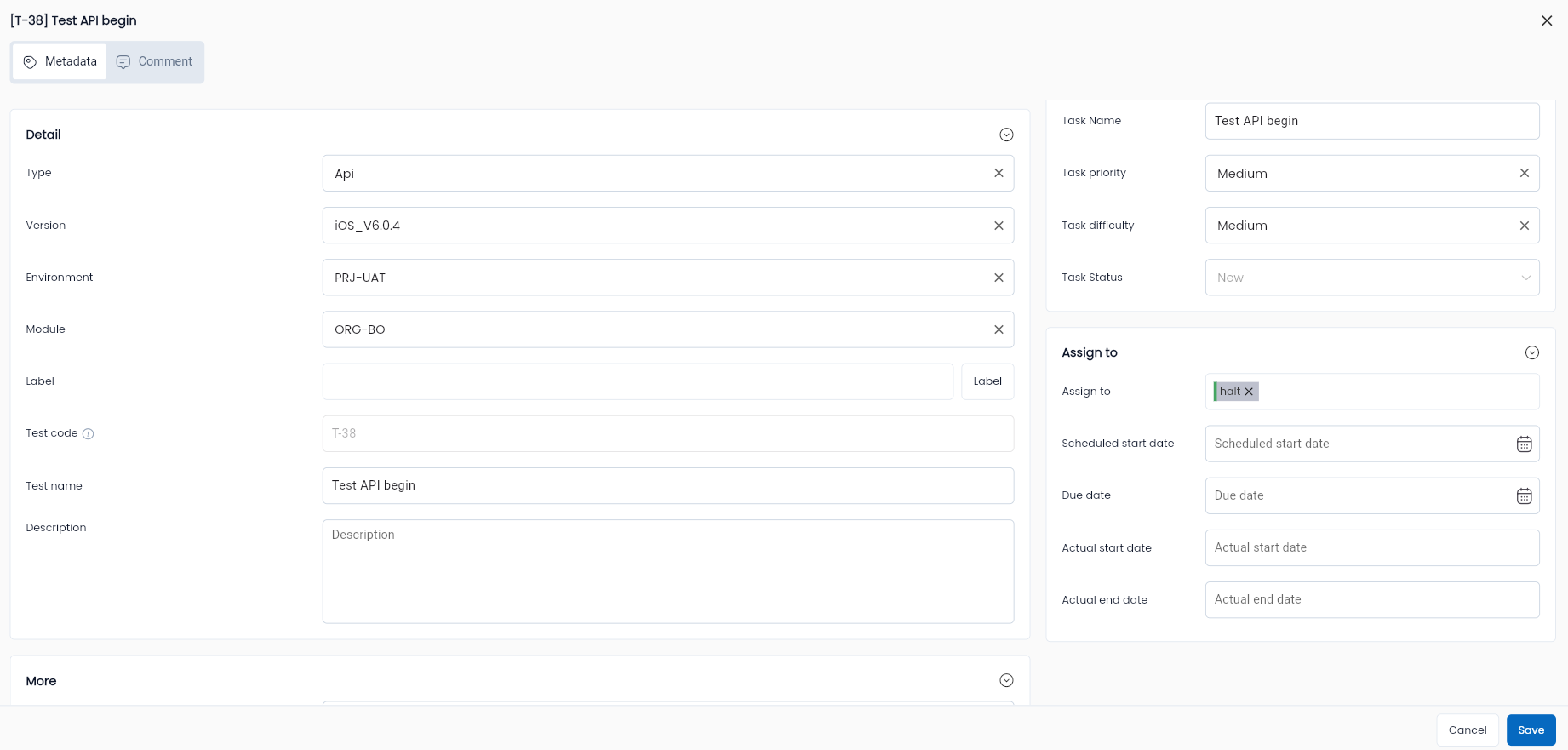
Step 3: Enter the metadata information you want to modify for the API. The fields on the "Edit API" screen will reference the fields in the Create API test
Add the following fields:
| Field Name | Mandatory | Format | Constraints | Description |
|---|---|---|---|---|
| Tab General information | ||||
| Metadata configuration information | ||||
| Status | Yes | Combobox | Allows users to choose 1 of 3 values: Draft/ Active/ Review | |
| Workflow Status | Yes | Combobox | Allows users to choose 1 of 4 values: Draft/ Reject/ Active/ Review |
Step 4: Click OK. Edit information for updated api. The system displays the message “Updated successful”.