View and Edit Project Information
Update Project Information
This guide explains how to view and edit project information in the Centralize Automation Testing Suite:
Step 1: Click SETTING in the project menu.
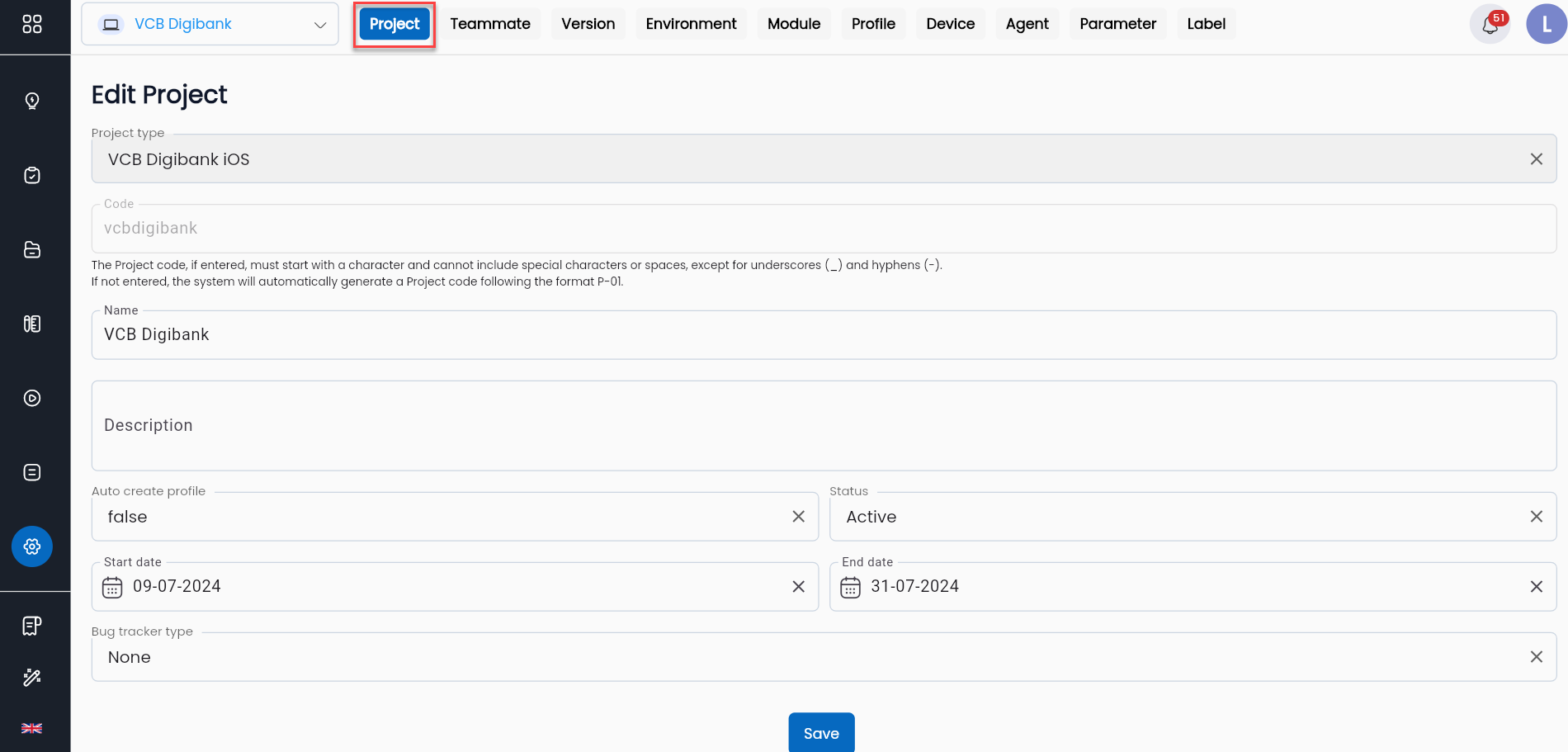
Step 2: Select the PROJECT tab
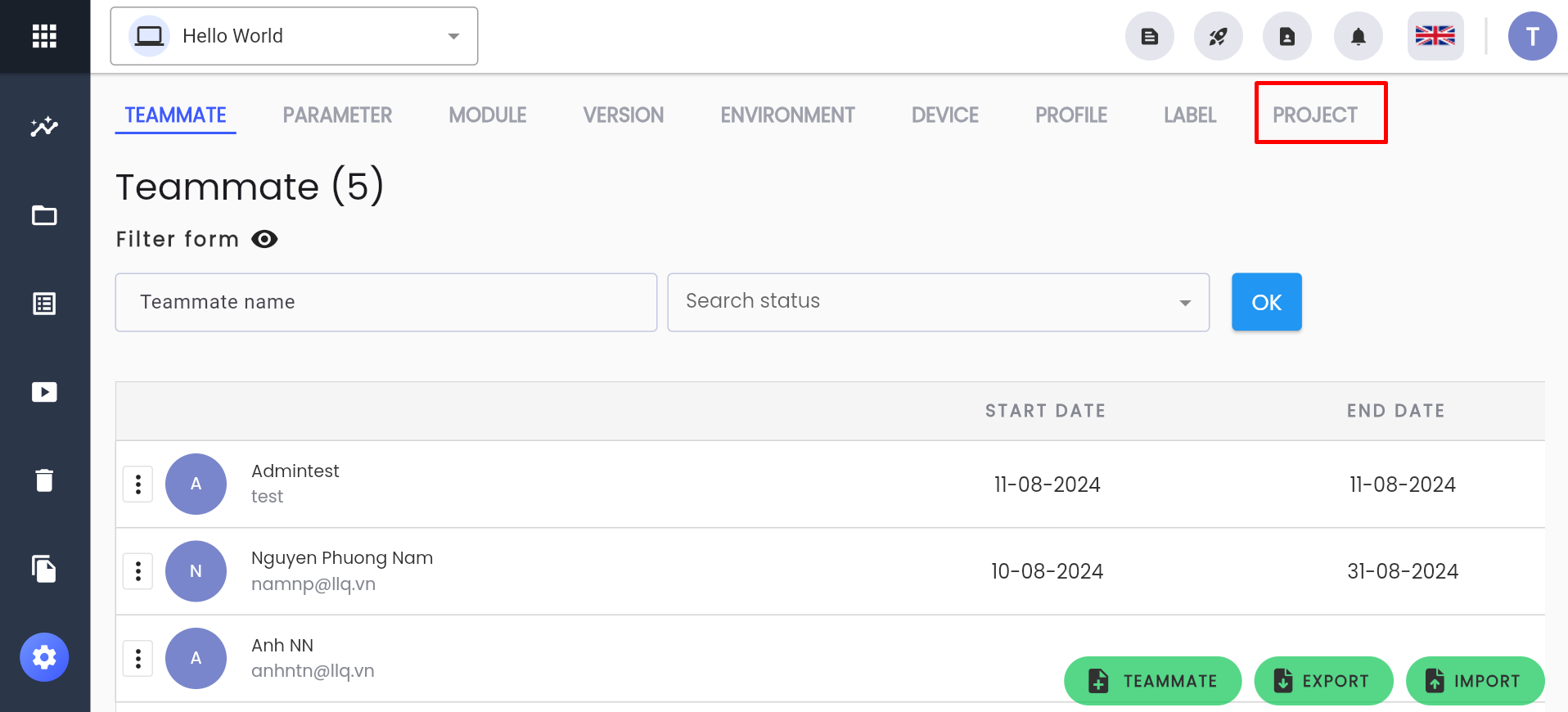
The system will display the project information for the currently selected project.
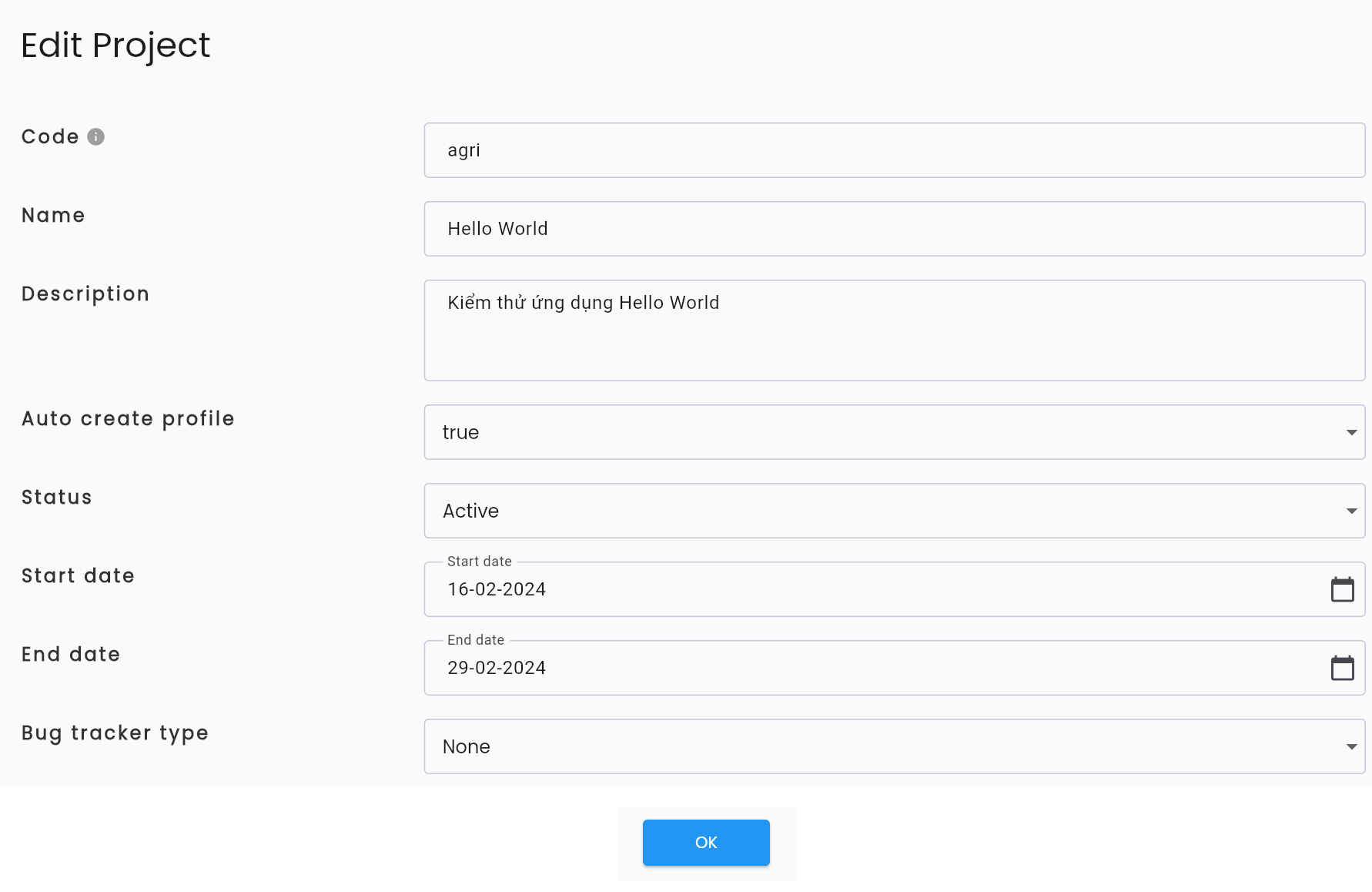
Step 3: View and edit project information as needed. Refer to the Information Fields.
Step 4: Click SAVE. The system will display the message “UPDATE SUCCESSFUL”
Note: The CODE field cannot be edited.
Configure Bug Tracker
The bug tracker feature allows Centralize Automation Testing Suite to integrate with other management tools, enabling users to report bugs directly from the LLQ QA Platform after running test scripts: