Export Json file
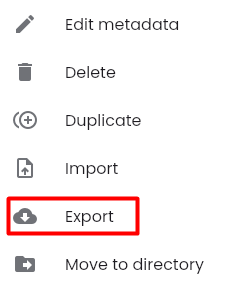
Step 1: Click on the “⋮” button corresponding to the test scenario you want to download, then select “Export”
Step 2: The file will be downloaded and displayed in the directory on the user's computer.
Step 1: Click on the “⋮” button corresponding to the test scenario you want to download, then select “Export”
Step 2: The file will be downloaded and displayed in the directory on the user's computer.