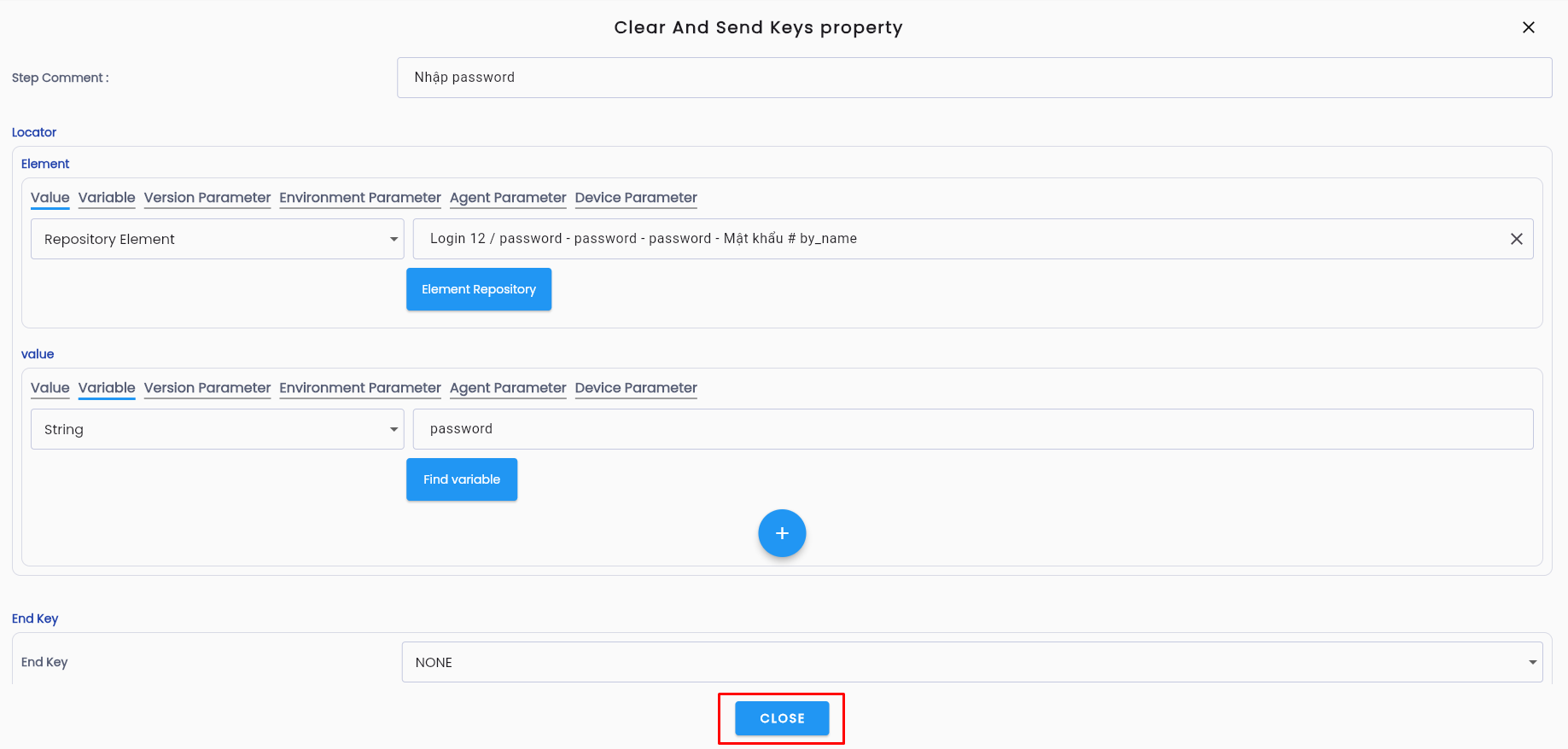
Input Data Parameters
For steps involving data entry, passing data during test scenario execution requires input parameters. Follow these steps to create input parameters:
Step 1: In the keyword configuration interface, locate the block value.
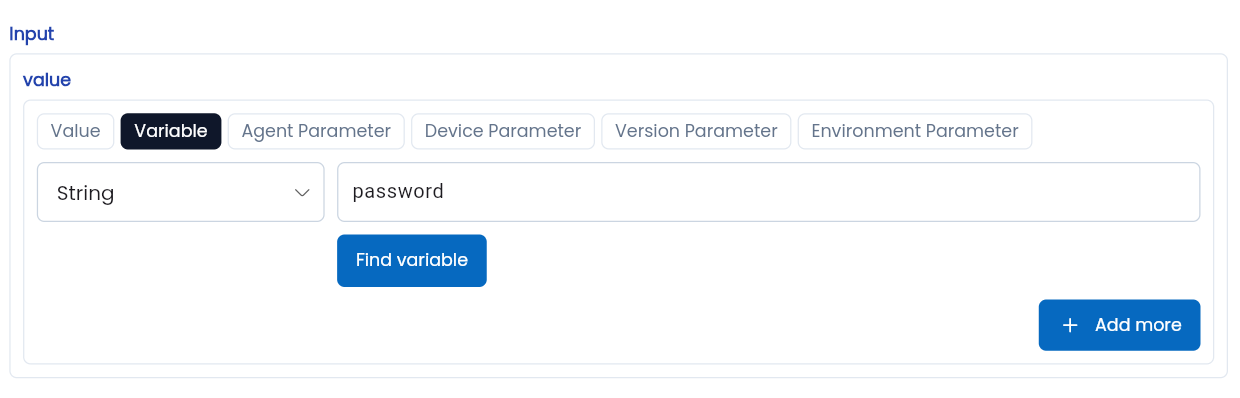
Step 2: Enter the name of the parameter as required. The parameter name must be at least 2 characters long, start with a letter, and only contain lowercase letters (a-z), digits, and underscores (“_”).
Step 3: Click CLOSE to save the configured information.