Input parameters with Random Value
Random Value refers to the use of automatically generated random data during test execution. To configure an input parameter as a Random Value, follow these steps:
Step 1: In the keyword configuration interface, locate the block value.

Step 2: Set the Data Type field to RandomValue.

Step 3: Click CLOSE to save the configured information.
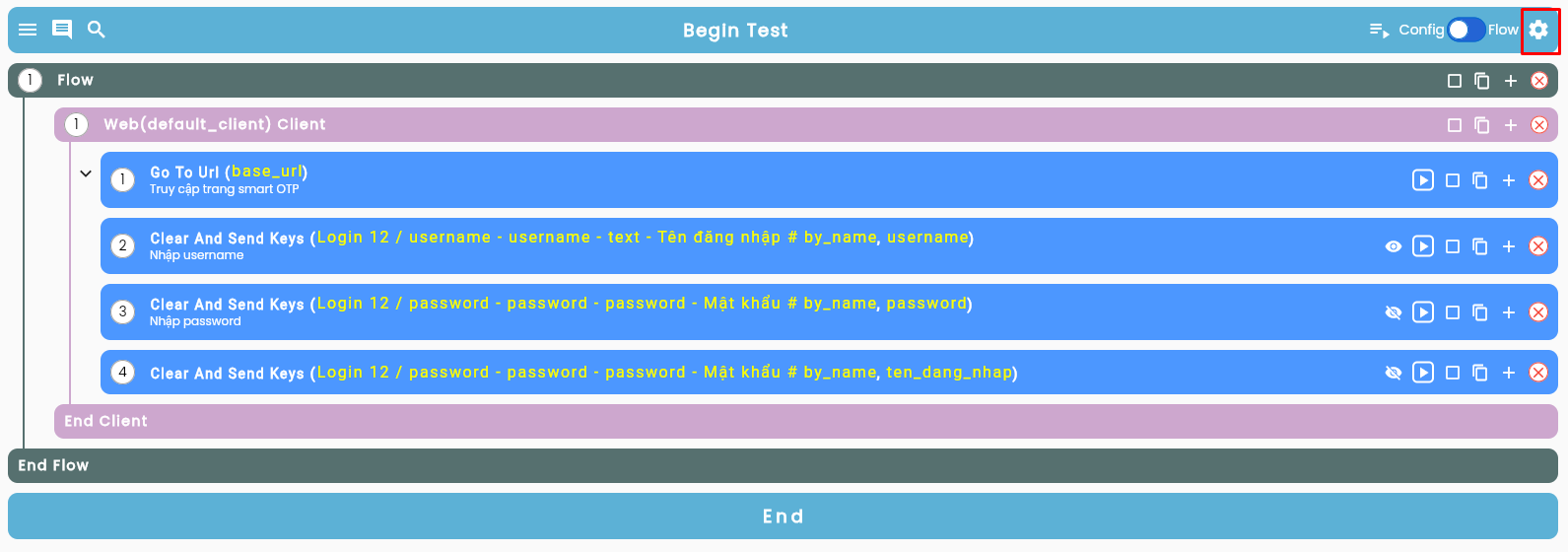
Step 4: Click the Setting icon in the upper-right corner of the configuration interface.
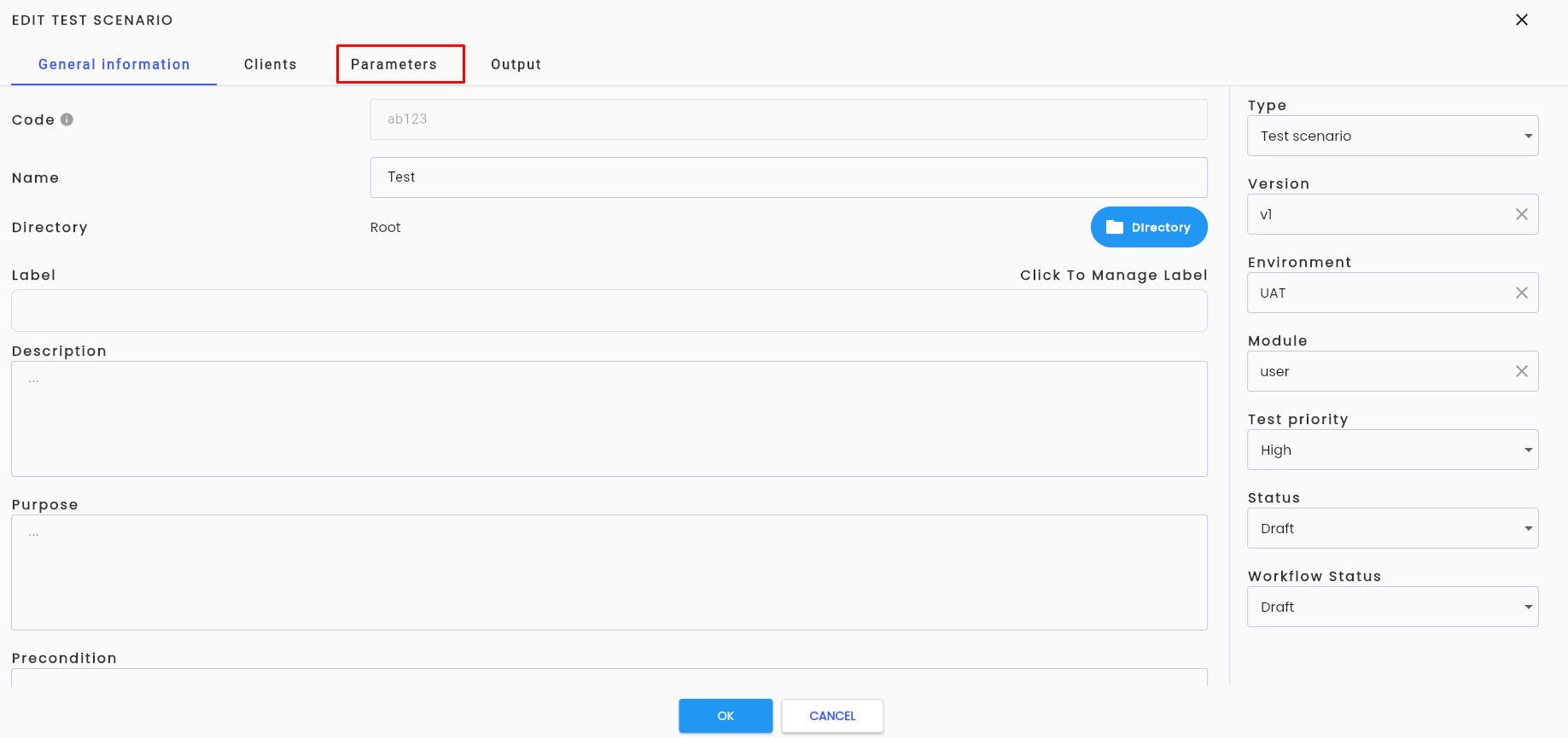
Step 5: Navigate to the Parameters tab.
Step 6: Select the appropriate random type that matches the user’s parameter requirements.
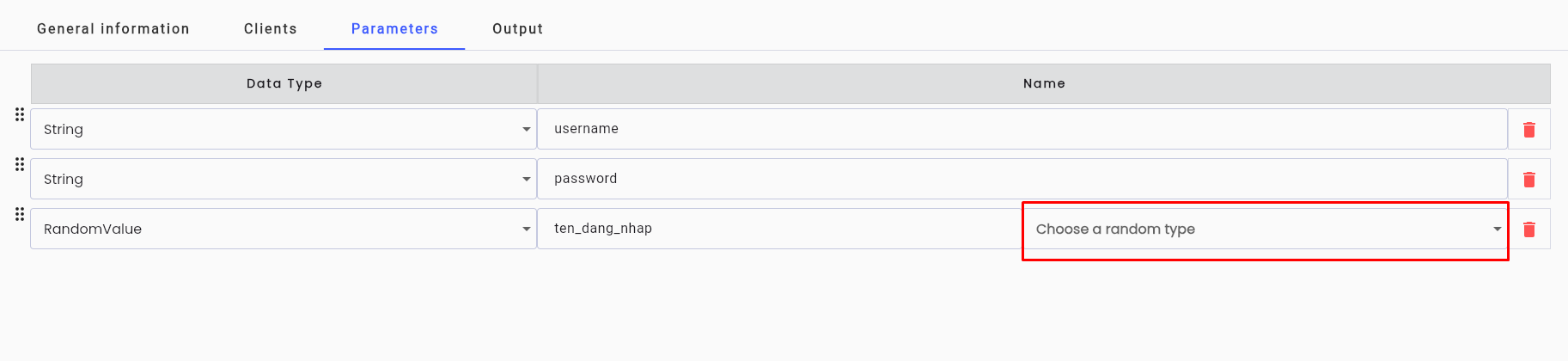
Note: The random type is a pre-configured list of active random types. Learn more about Random Type