Log In to the System
To use the system, you need an account. If you don't have one, please contact the system administrator to create an account.
If you already have an account, follow these steps to log in to the system:
Step 1: Go to the URL....
Step 2: Enter the correct username and password provided by the system.
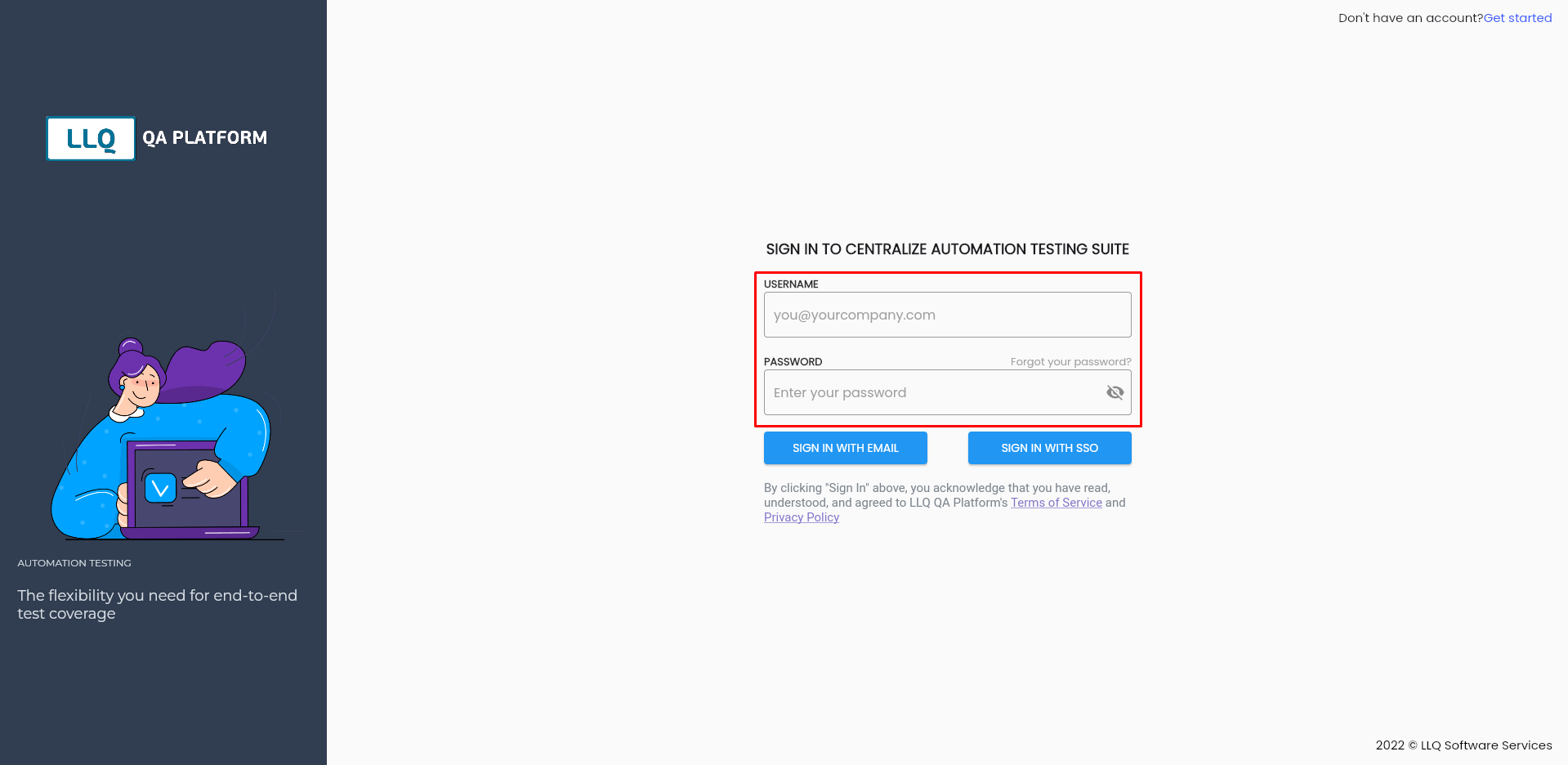
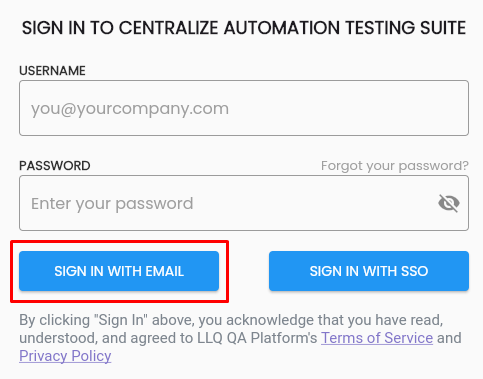
Step 3: Click the SIGN IN WITH EMAIL button.
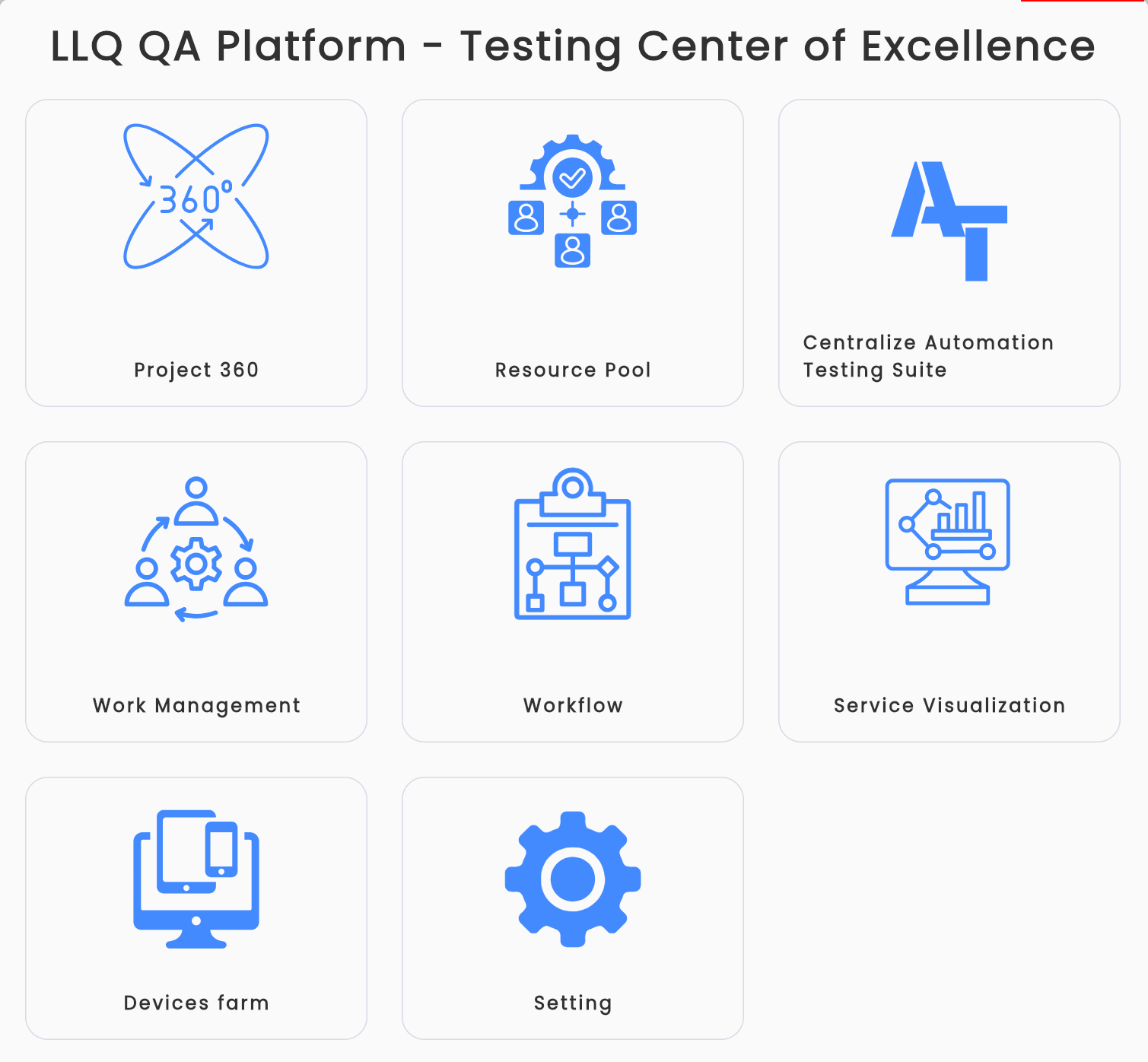
After successfully logging in, you will see the tool list screen of the LLQ QA Platform.