Project Team Components
When the project group is created, the system will display the main components in the group management section:
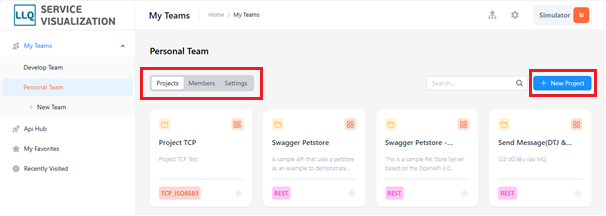
Projects
A list of projects created within the project group.
Description of project fields
| Field Name | Mandatory | Format | Constraints | Description |
|---|---|---|---|---|
| NAME | Yes | Textbox | The name of the project group | |
| DESCRIPTION | No | Textbox | Description of the project group | |
| PROJECT_TYPE | Yes | Textbox | Protocols and technologies related to data exchange in the system |
Members
Displays the number of members, clients, and members who are invited. Detailed information about the project group members.
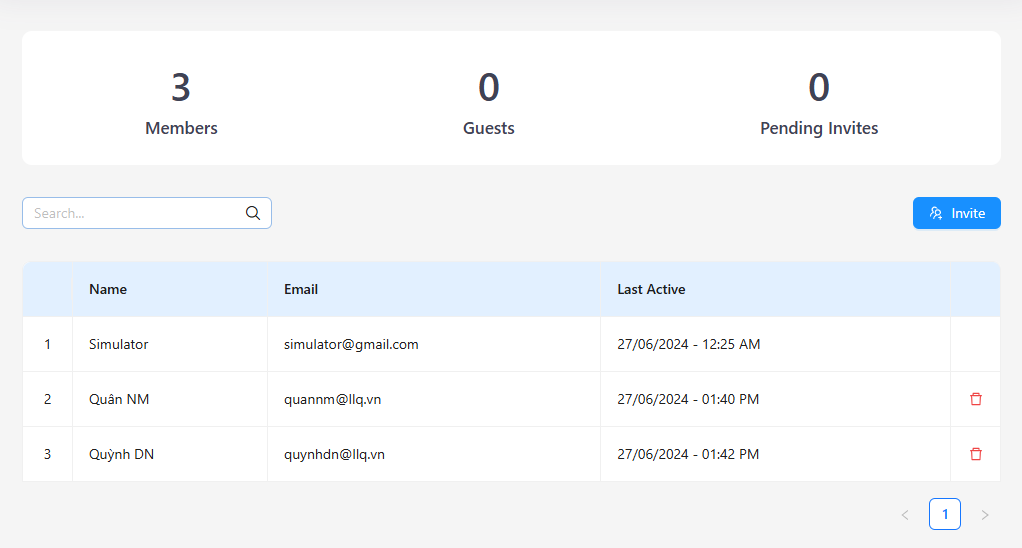
Add Member:
Step 1: Click the Invite button on the right of the screen.
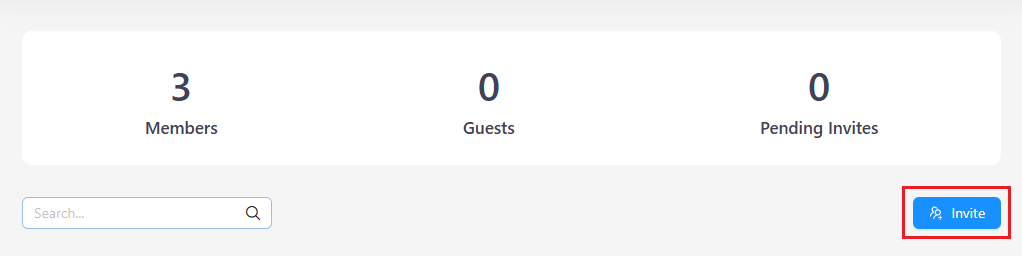
Step 2: The system will display the New Member screen.

Step 3: Select the new member. Click the "Add" button
Remove Member:
Step 1: Select the member you want to remove. Click the "Remove" icon.

Step 2: Click button "Yes" button to confirm the removal.

Settings
Displays the details of the group name and content.
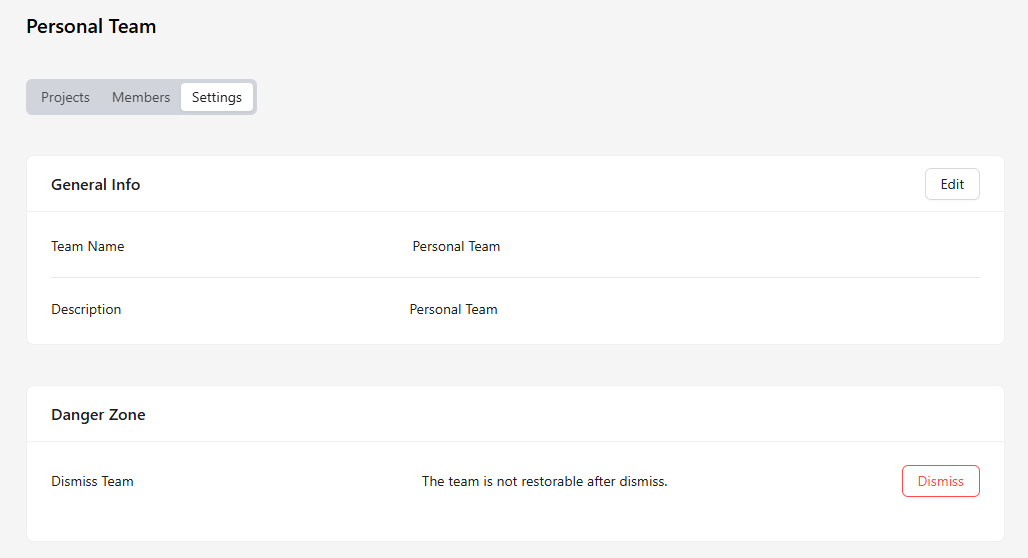
Delete Group:
Step 1: Click the "Dismiss" button when you want to dissolve the group.

Step 2: The system will display a confirmation message. Click the "Yes" button to confirm.
