Create a project team
Steps to create a project group:
Step 1: On the menu bar, click the "New Team" button.
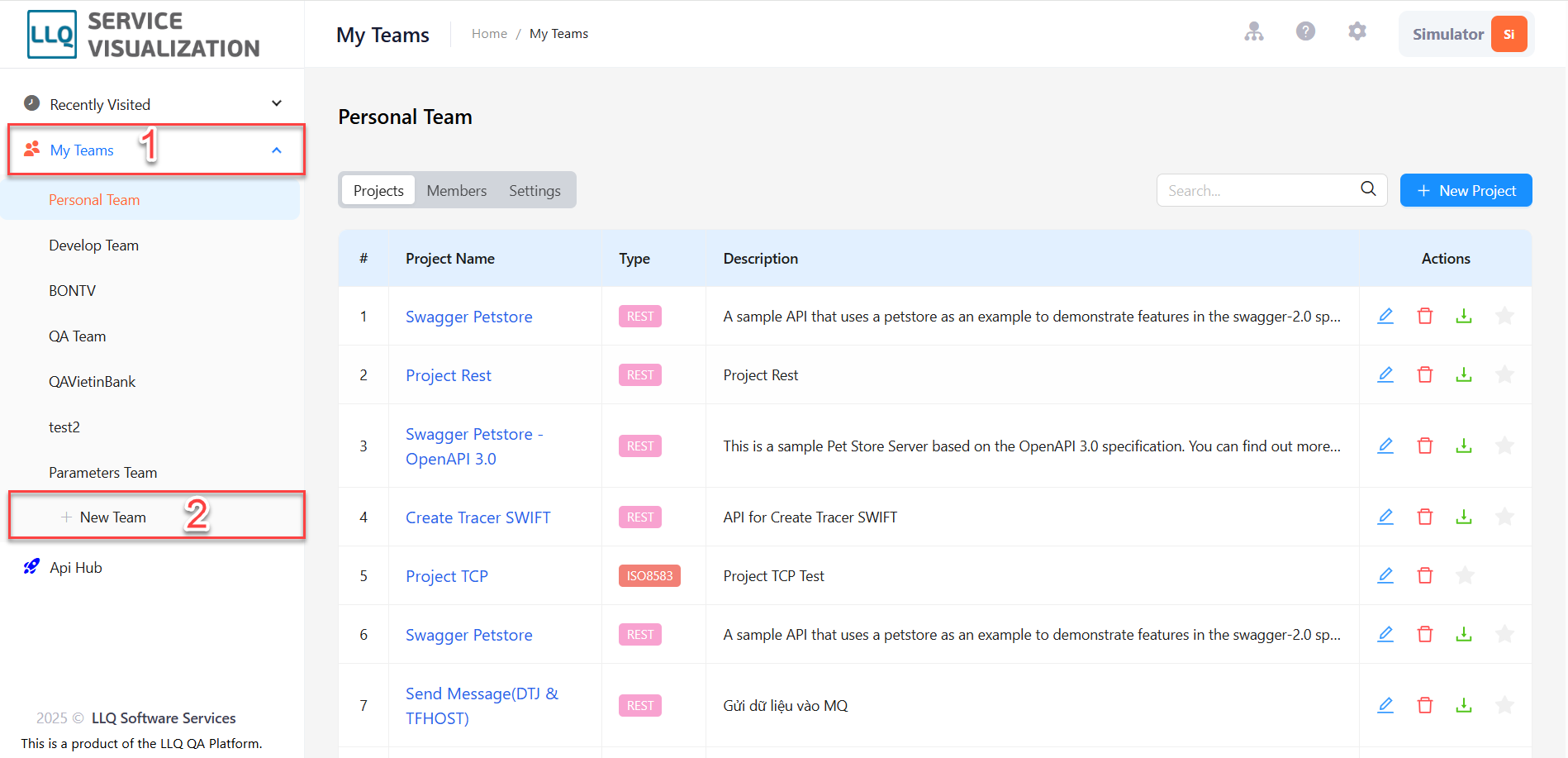
Step 2: The system will display the New Team screen.

Step 3: Enter information about the fields there in.
Description of information fields
| Field Name | Mandatory | Format | Constraints | Description |
|---|---|---|---|---|
| NAME | Yes | Textbox | The name of the project team | |
| DESCRIPTION | No | Textbox | Description of the project team |
Step 3: Click the "Create" button to create a group.