Overview
The Soap project helps you manage your soap endpoints.
SOAP (Simple Object Access Protocol) is a communication protocol used for exchanging information in distributed systems over a network, primarily using HTTP or SMTP. SOAP is designed to allow different applications, often on different platforms and programming languages, to interact with each other in a reliable and secure manner.
This article helps you understand how to manage a SOAP project in Service Visualization:
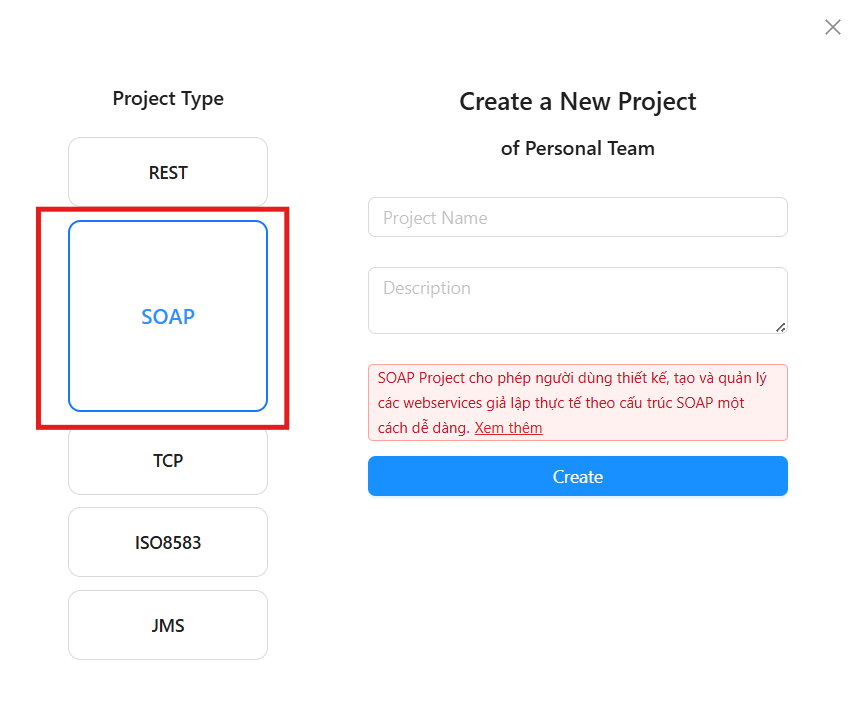
Create a SOAP project
You can create a SOAP project by selecting Project Type as Soap. To see how to create a project, refer to the article Create a Project Group
Manage the endpoints of the JMS project
To learn how to create and stop endpoints, refer to the article Overview of endpoints
Configuring SOAP Mapping
To configure SOAP Mapping, follow these steps:
Step 1: Select the SOAP Mapping tab
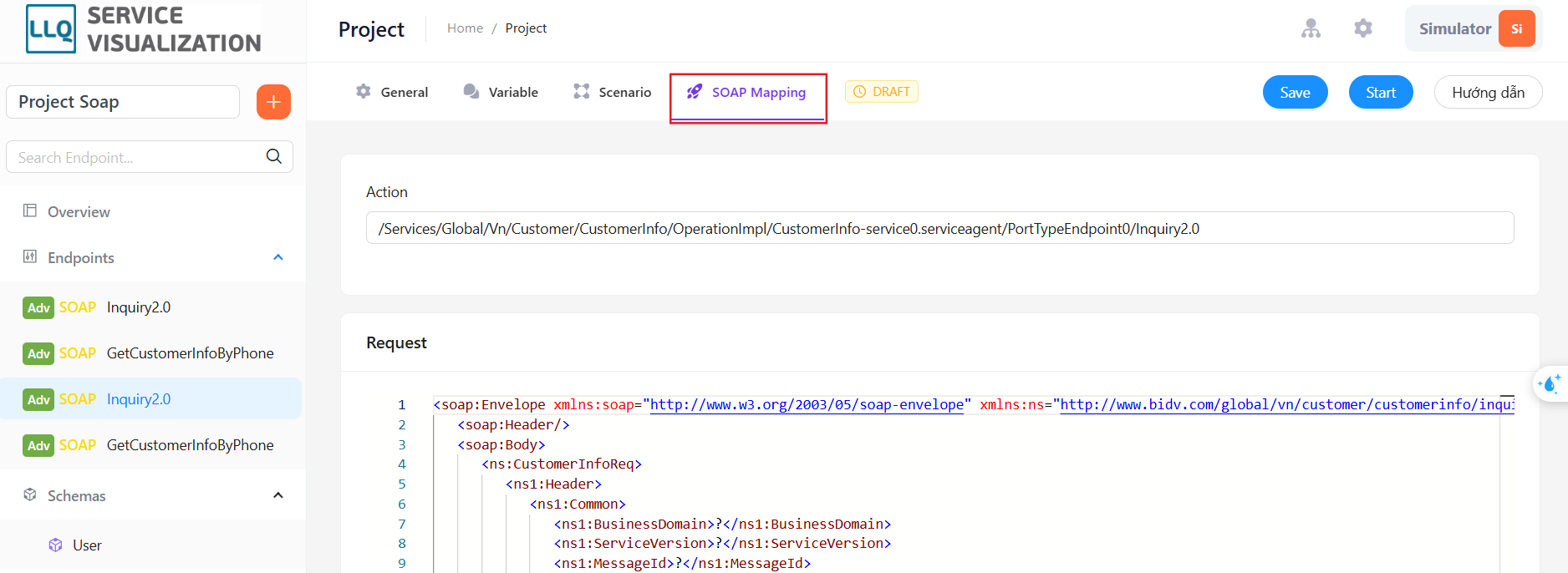
Step 2: Enter the Action and Request to be sent.
Run SOAP endpoint
You can run your SOAP endpoint through the Try It Nowfeature. This page will only appear when the Endpoint is in the Running state. To use this feature, follow these steps:
Step 1: Click the Save button to save any changes made to the Endpoint.
Step 2: Click the Start button if the Endpoint is in the Draft state.
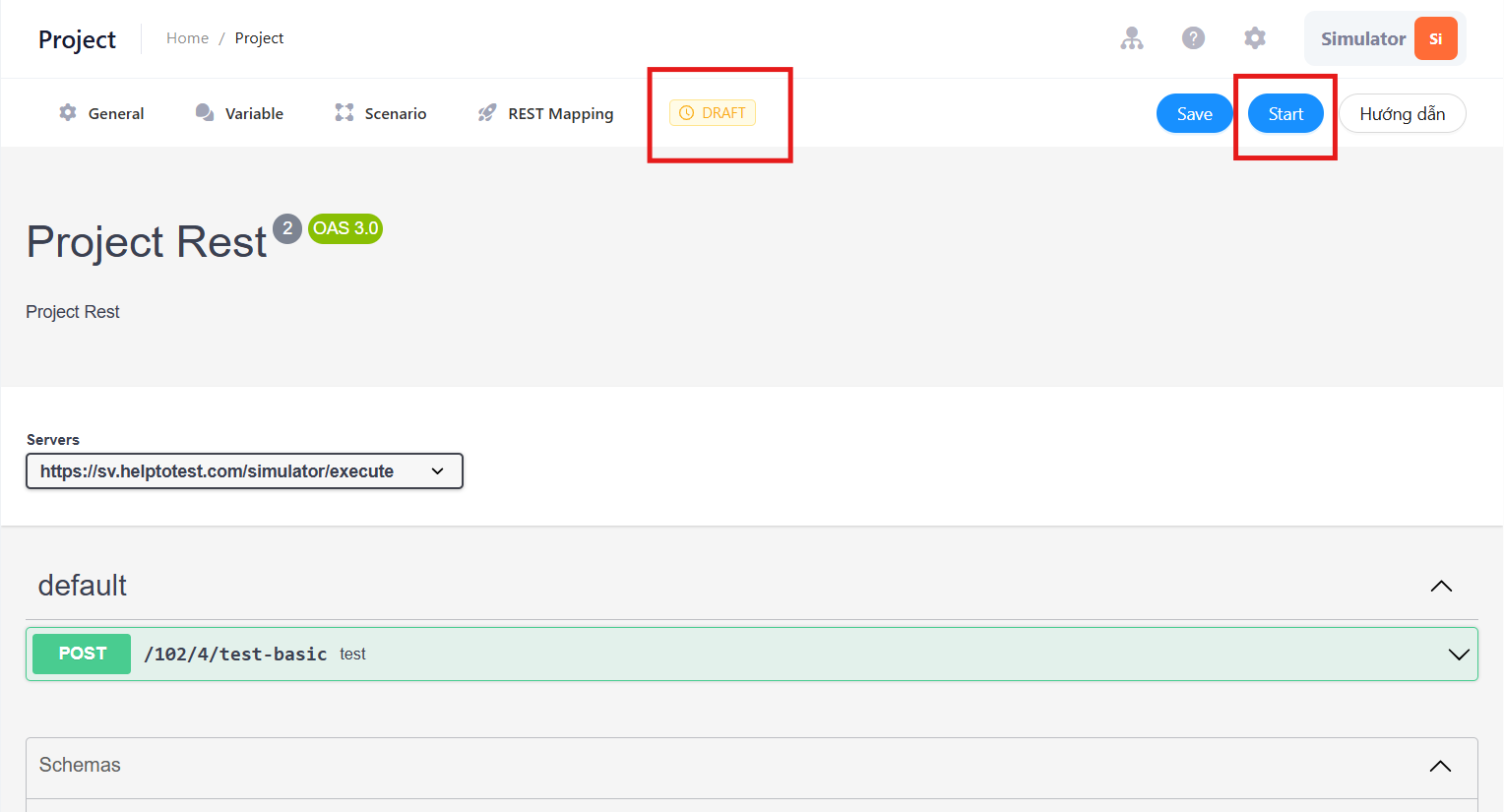
Step 3: Open the Try it now tab.
Step 4: Configure the data to be sent in the request and check if the endpoint information above is correct.
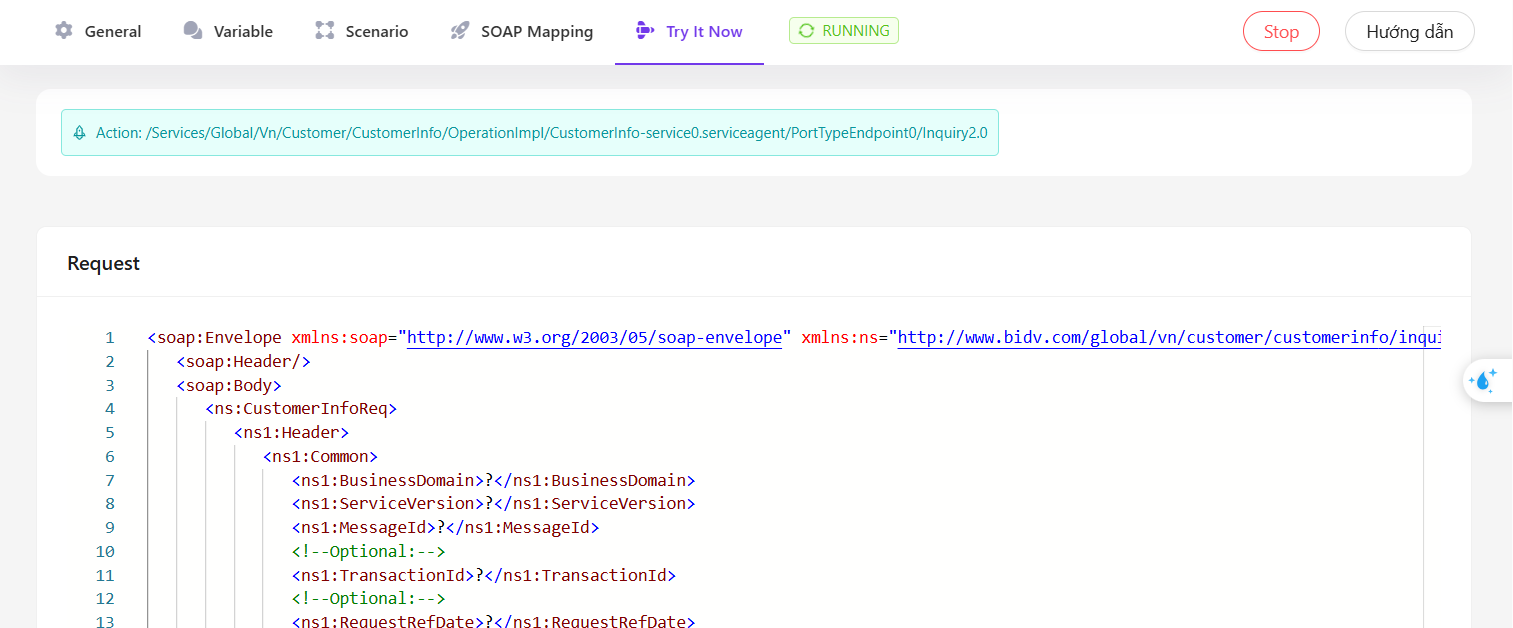
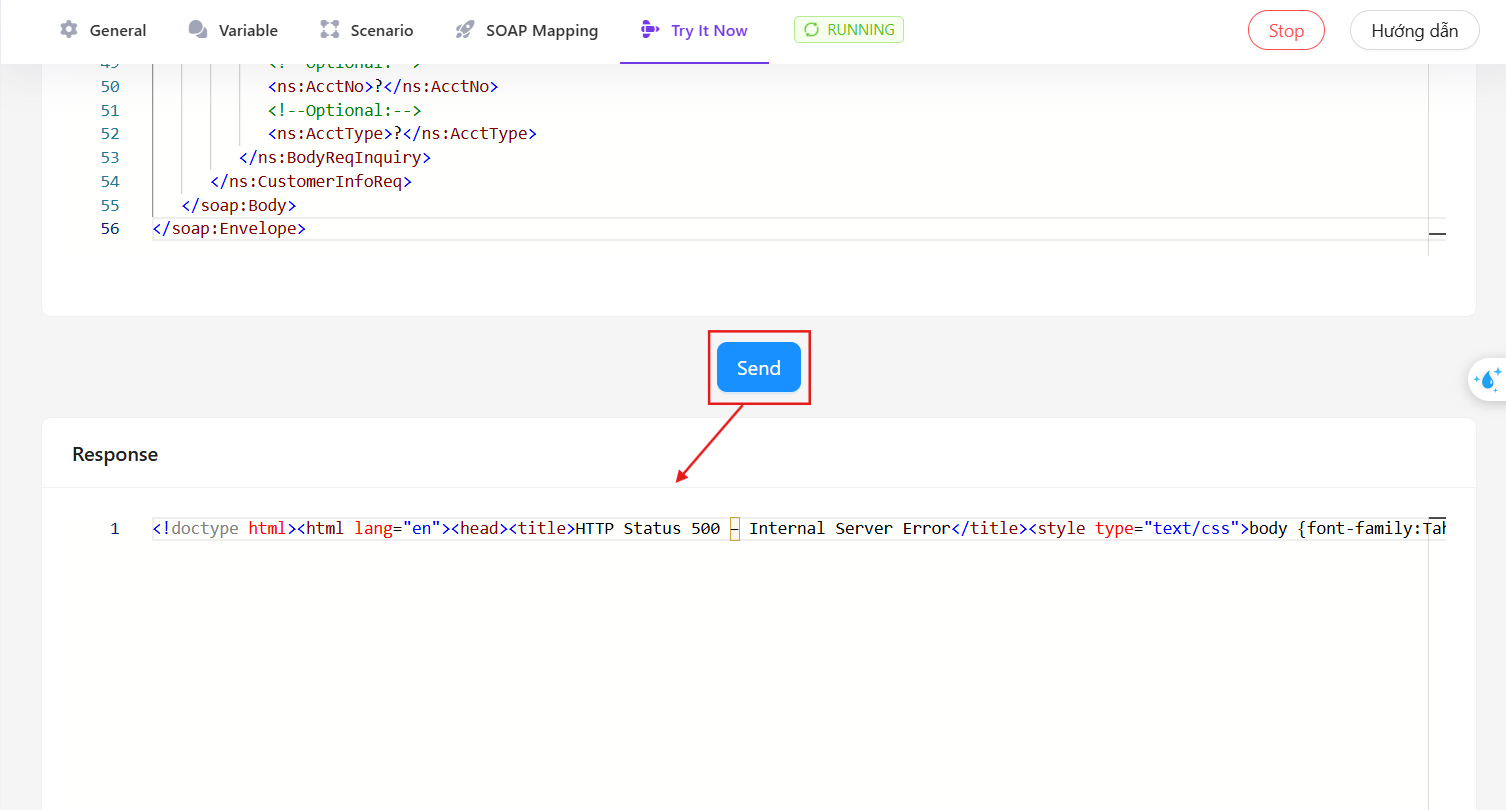
Step 5: Click Send to send the request to the endpoint.
Step 6: Check the returned data in the response section.