Variable
Variables allow you to quickly configure input and output variables.
Input variables: Used for mapping attributes in requests or query statements.
Output variables: Used to define response data returned from a request.
Variable Fields
| Field Name | Mandatory | Format | Constraints | Description |
|---|---|---|---|---|
| Name | Yes | Textbox | Cannot be empty and must be unique | Variable name for use |
| Type | Yes | Combobox | Schema, String, Number, Object, or List | Data type of the variable |
| Description | No | Textbox | Detailed description |
Quick Guide
Adding Variables
Add Input and Output Variables
To add input variables, follow these steps:
Step 1: Open the Variable tab in an advanced request where you want to configure variables.
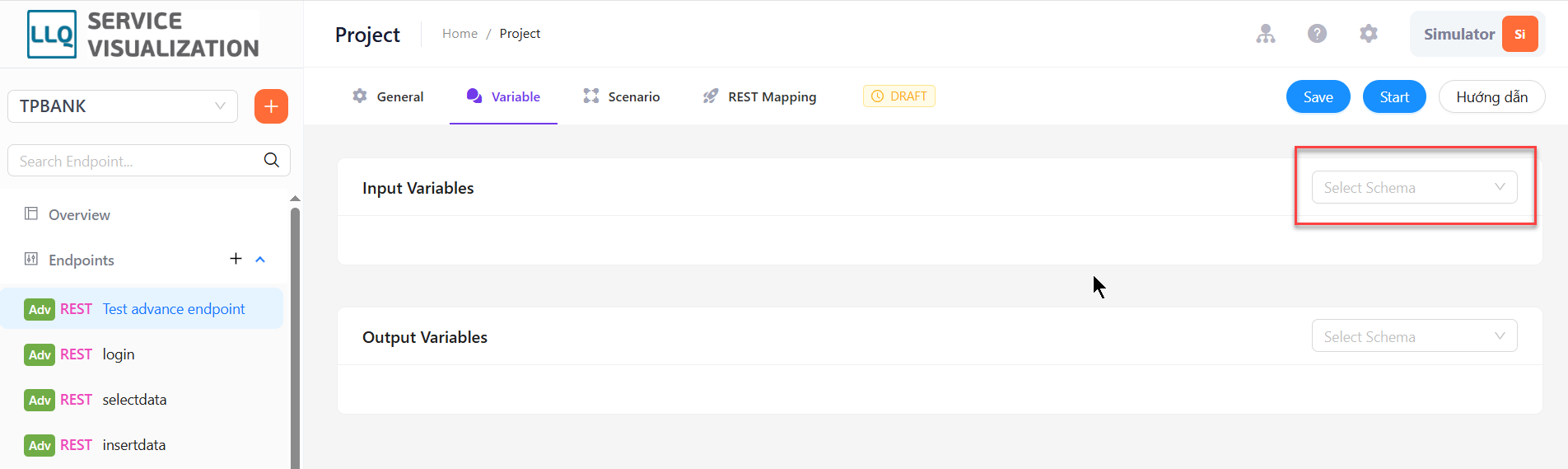
Step 2: Add variables to Input Variables There are 2 ways to add variables to Input Variables:
- Add by pressing the
+sign: Each time pressing the+sign will add a variable

- Add by generating from a template or package: select Template or Package from the list in the upper right corner and press the
Generatebutton. List of The variable after generate is the list of fields of the selected template or package
Adding Output Variables
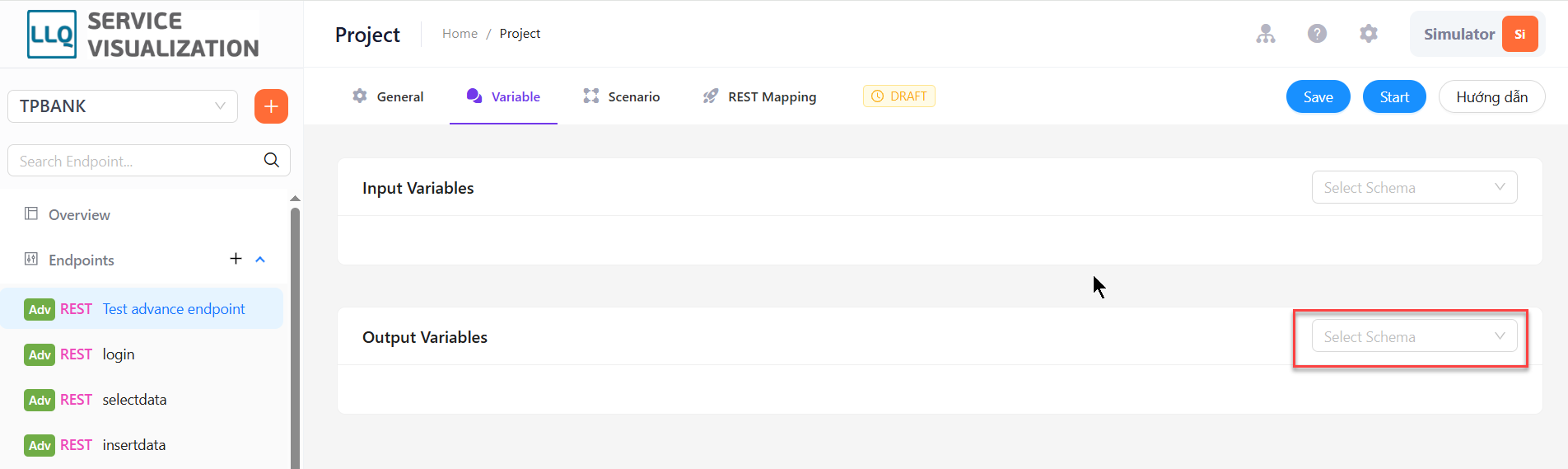
Output variables can be added by pressing the + sign in the Output Variables section. Each press adds a variable
Use variables
With input variables that will be used to map into fields in Request Params, Request Body, Request Headers
- In scenario: you can use variables in commands by adding $ before the variable name you want to use. For example:
select * from message_logs where message = $abc - In Rest Mapping: you can create a data structure to send in the request body by pressing the
Get from input variablebutton