QA Platform
Create a Test Batch
Step 1: Access the Test Lib menu.
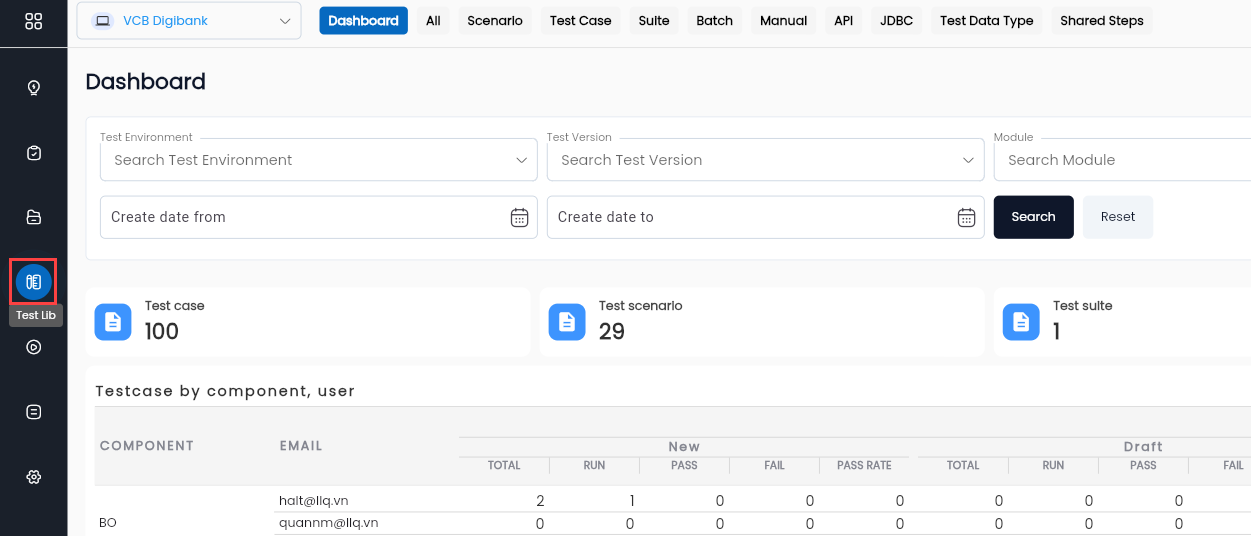
Step 2: Navigate to the Batch menu.

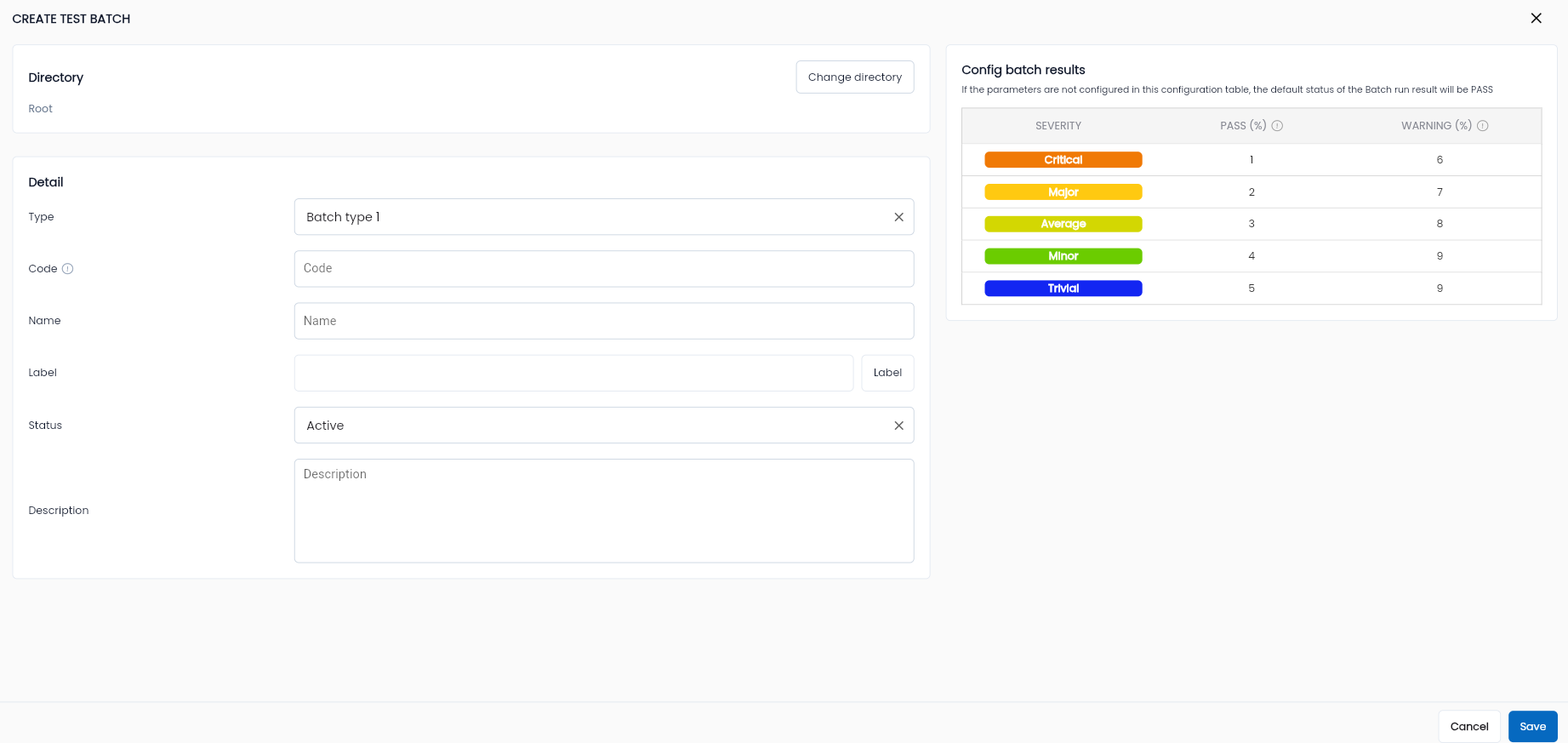
Step 3: Add a new Test Batch.
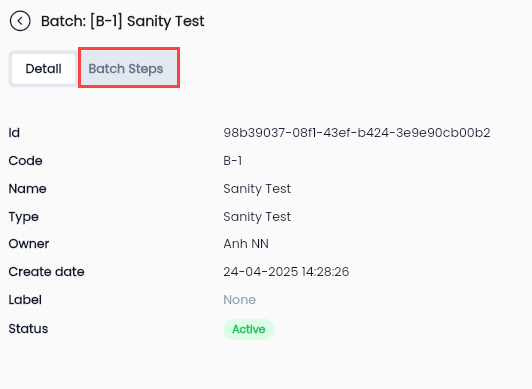
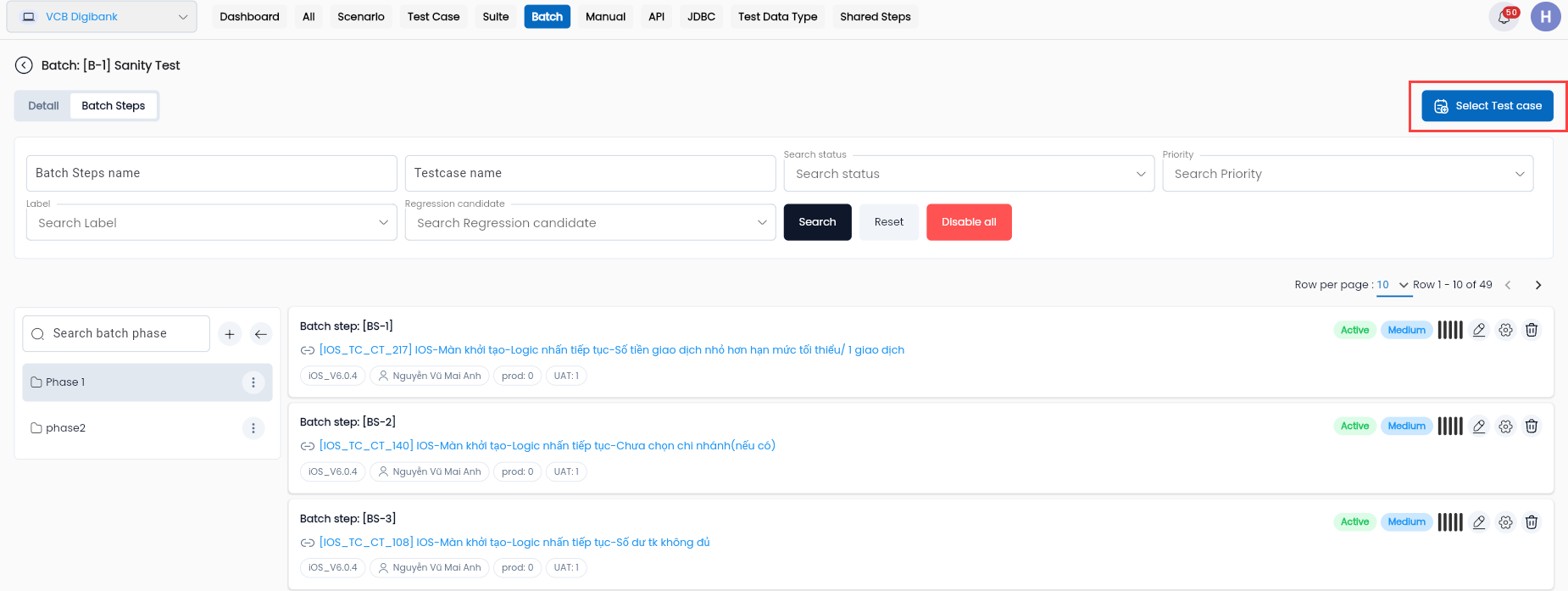
Step 4: Go to the Batch Step menu in the details of the selected Batch.
Step 5: Add a new Batch Step.
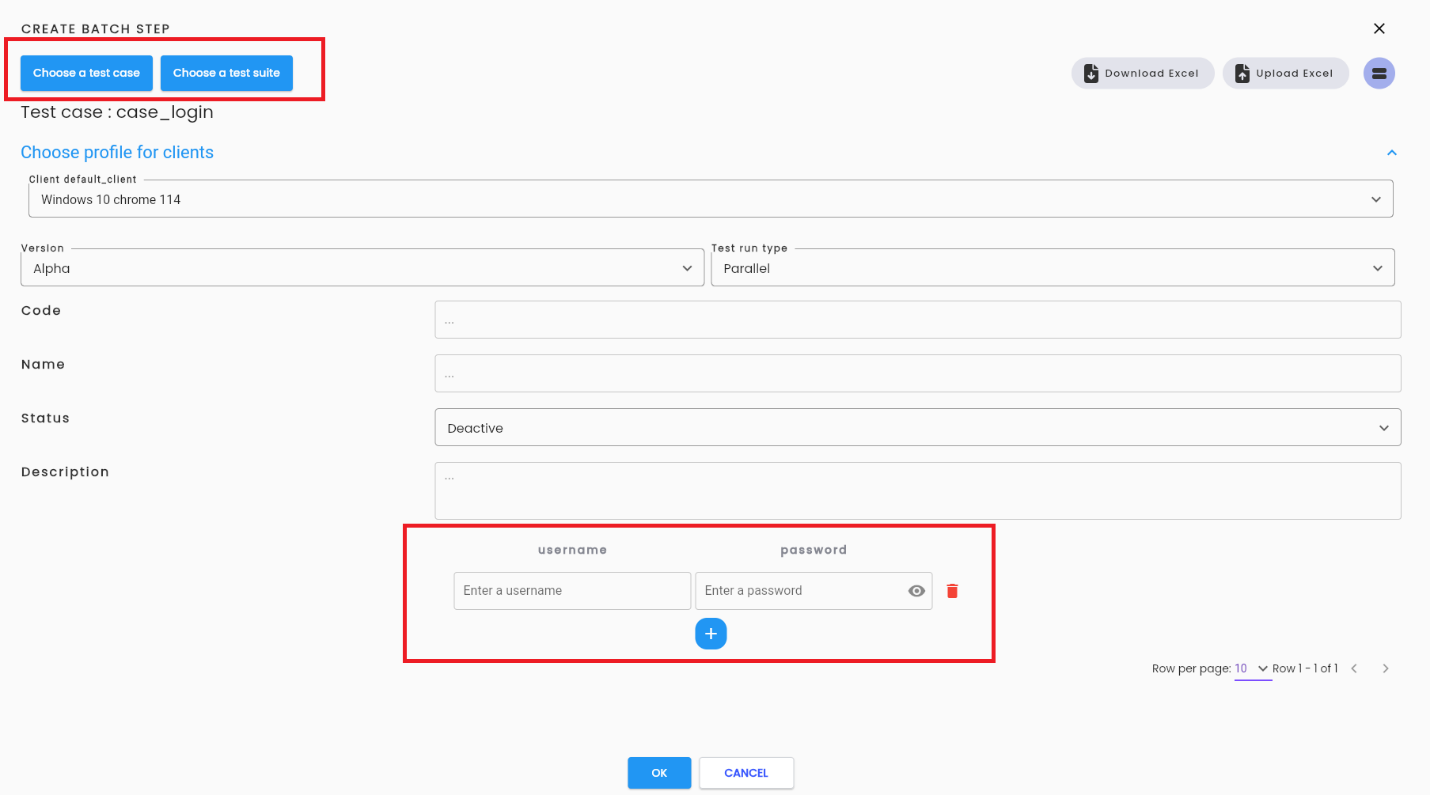
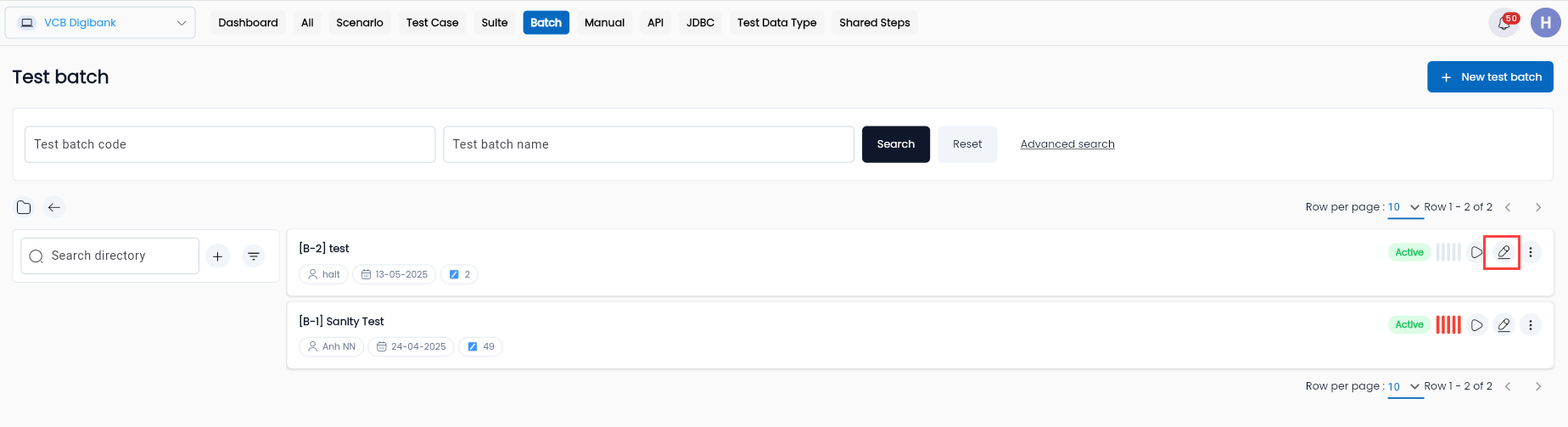
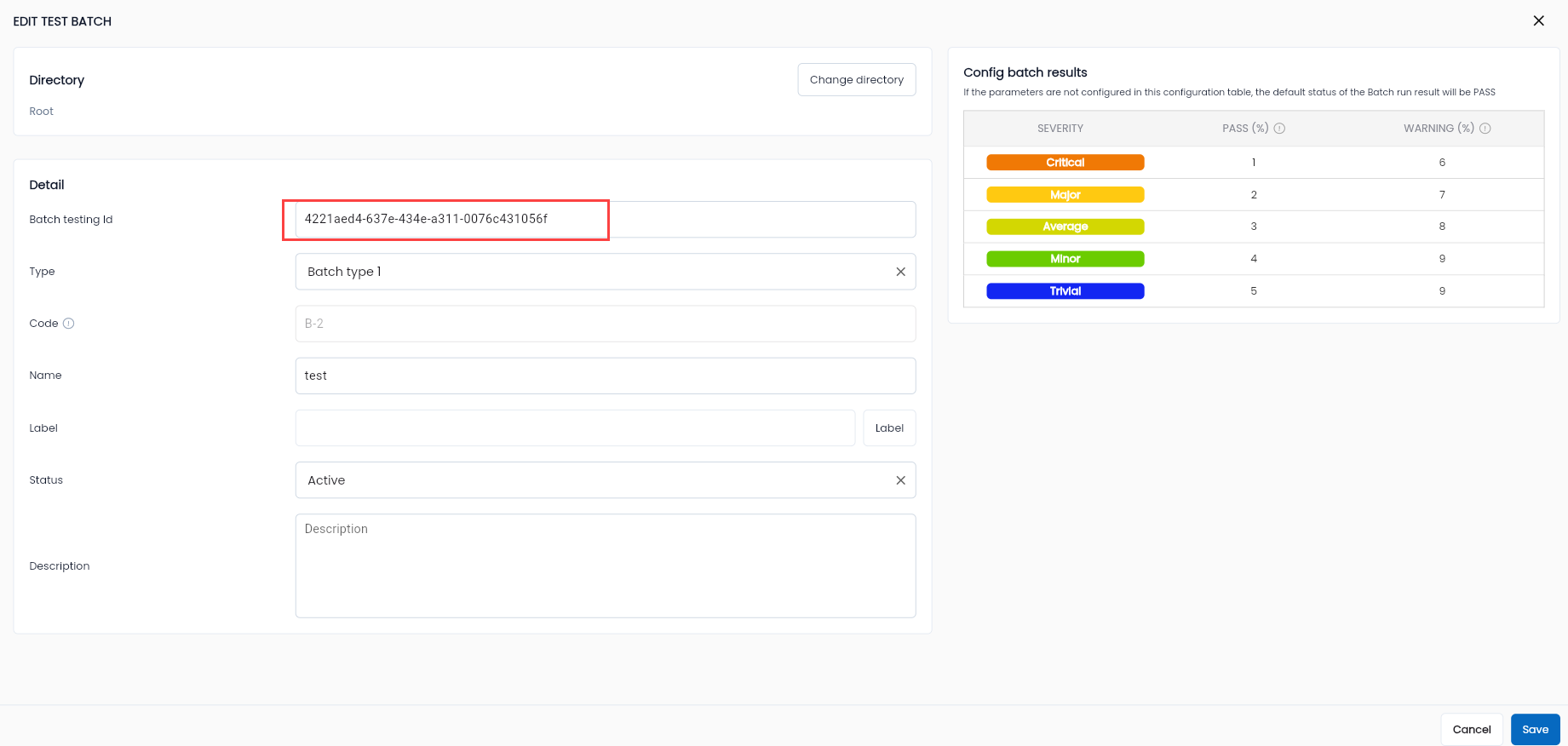
Step 6: Retrieve the Batch ID information from the Edit Batch function.
Configure Jenkins API Token
Step 1: Access the User Profile.
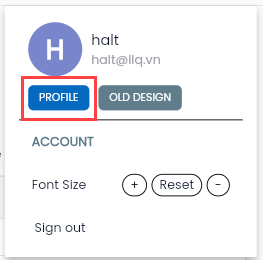
Step 2: On the Profile Manage screen, select the Profile menu and enter Jenkins configuration details:
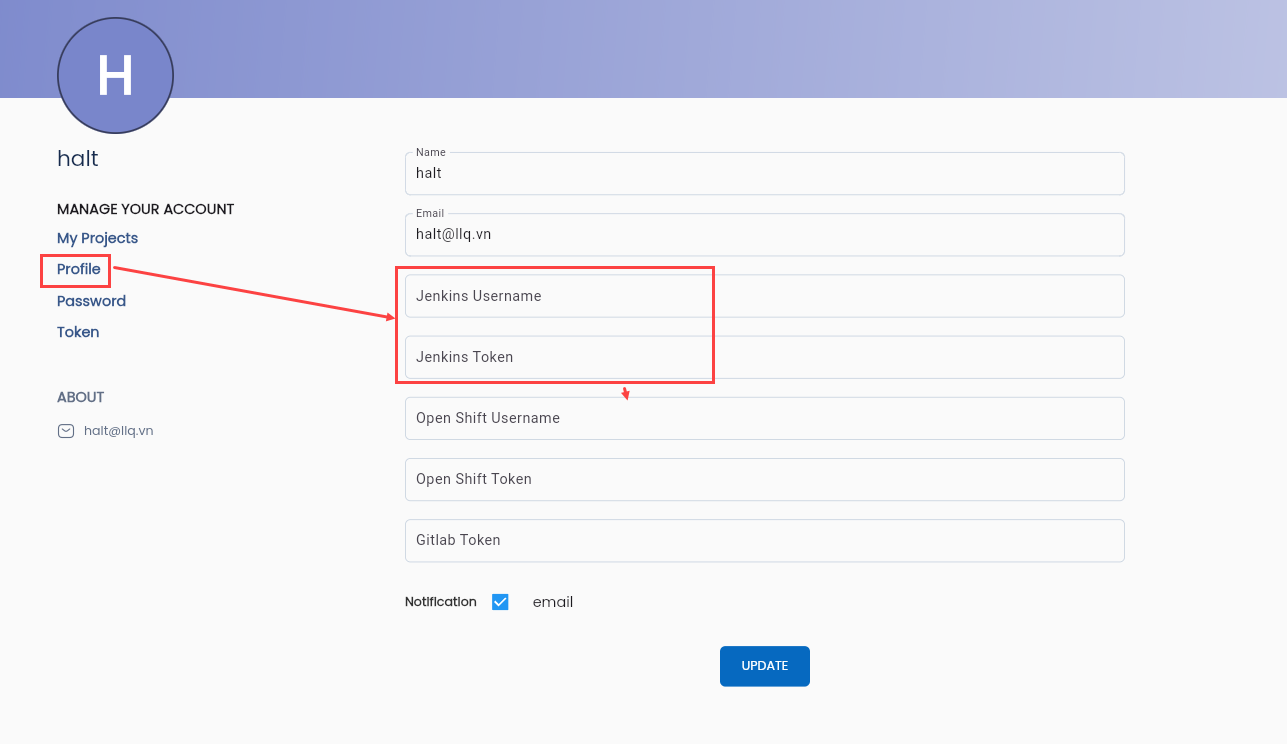
Create Credentials using the data in the table below:
| Name | Value |
|---|---|
| jenkins_username | Jenkins login username |
| jenkins_token | API Token for the Jenkins user (Refer to Section II.B) |
Create a System Token
Step 1: Access the User Profile.
Step 2: Navigate to the Token menu.
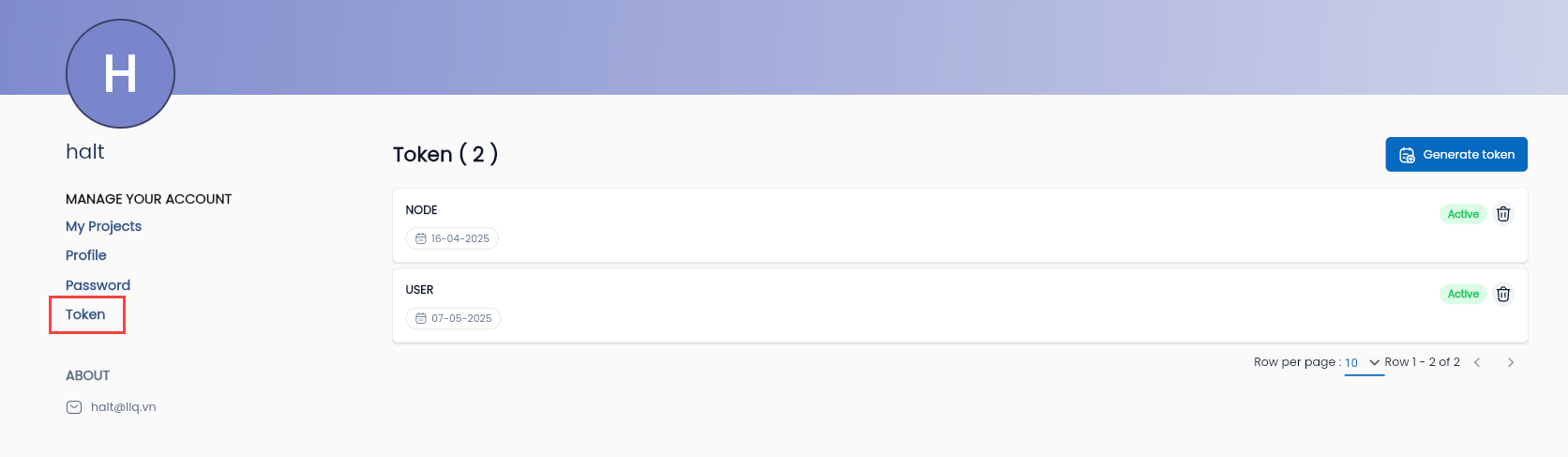
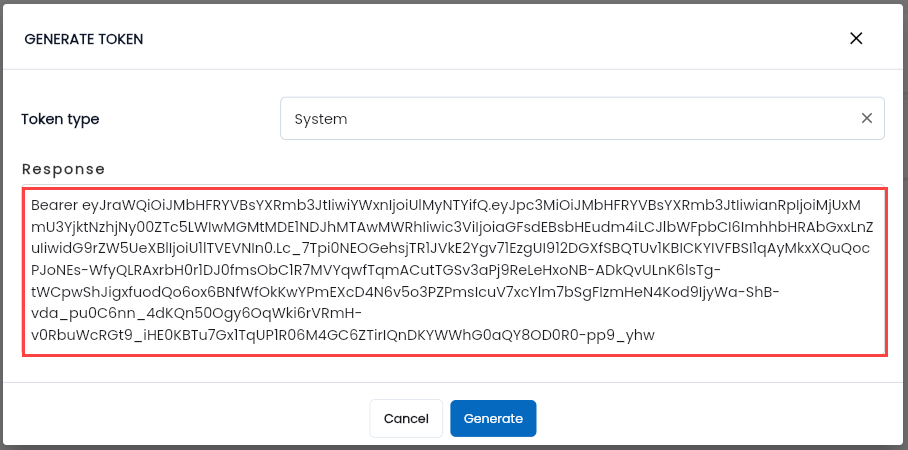
Step 3: Click the GENERATE TOKEN button, to create a System Token for sending commands from Jenkins.
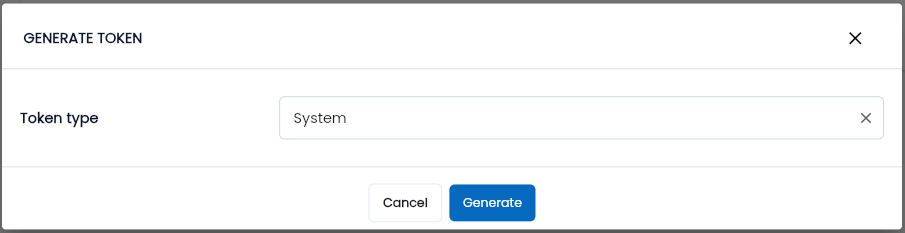
Step 4: Click GENERATE, The system will display the Token Response screen.