Integrate LLQ Work management
To integrate LLQ Work Management, follow these steps:
Step 1: Navigate to Setting > Project
Step 2: Select Bug tracker type = “LLQ QA Platform”
Step 3: The system will display the Issue create typefield. Users can select: AUTO Automatically report bugs. Or MANUAL Manually report bugs.
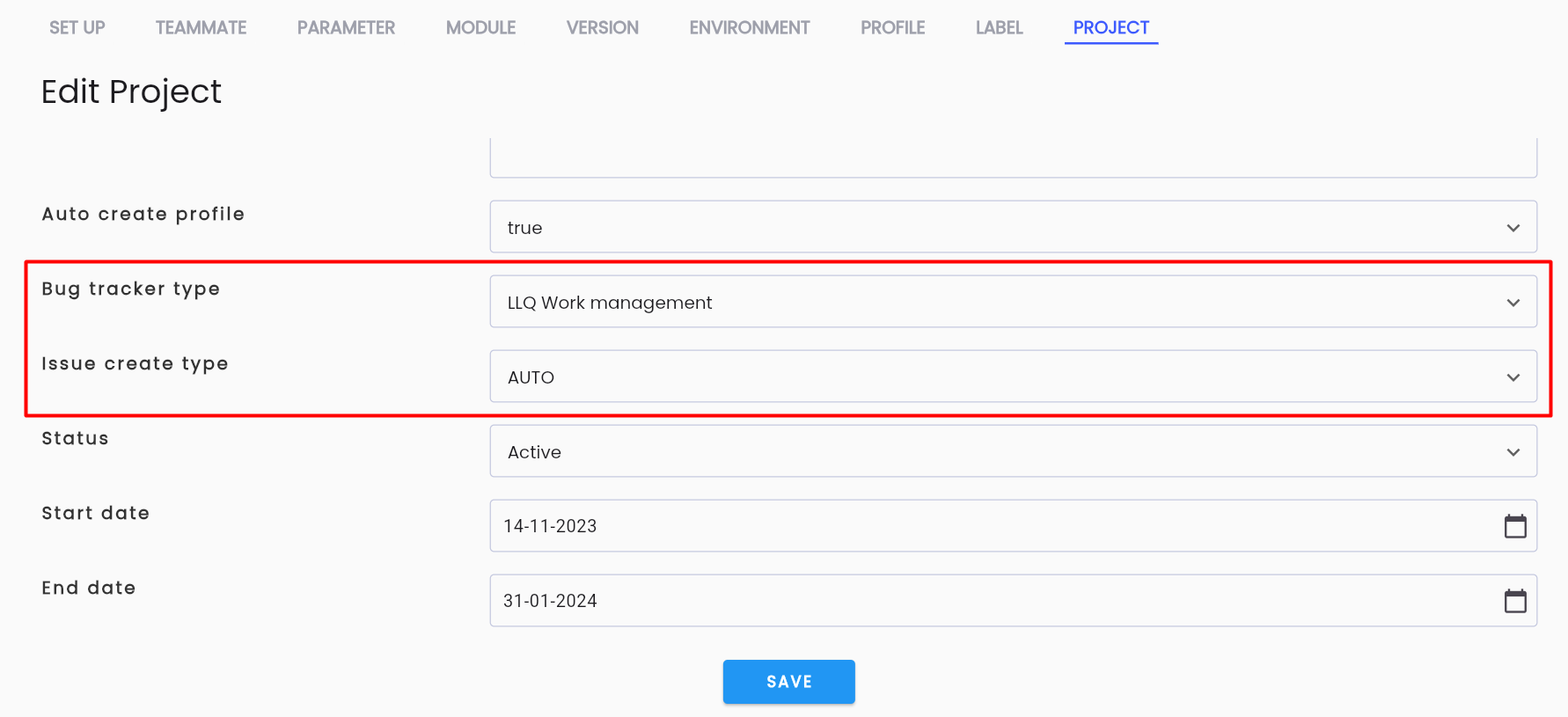
Step 4: Click the OK button to save the changes.